Give the product a gentle sway on the detail page and watch dwell time change
A static hero image gets three seconds of attention; motion gets seven or eight. But shooting a 5-second product video means lighting, a turntable, and editing. This template uses one photo as the first frame and sways the product about 20 degrees to each side before returning to center. 30 credits, 75 seconds.

E-commerce detail-page first screens, standalone-site hero sections, and Meta ad creative are all moving toward motion. For the same product, the moving version usually earns a higher click-through rate.
The cost of shooting it yourself: $50 to rent a turntable for a day, two hours of lighting, twenty takes to pick one, and half a day to edit and export.
The prompt turns "how it moves" into a trajectory
The motion has an exact trajectory: "turn the object about twenty degrees to one side, ease back through centre to the same angle on the other side, then return to the exact starting position so the clip loops without a visible cut." Left 20 degrees → back through center → right 20 degrees → back to start. All four steps are spelled out, so the last frame can line up with the first.
Information takes priority: "The face carrying the label must stay turned toward the camera for the whole clip — never let the printed side pass a shallow angle and never turn the object all the way around." The labeled face stays toward the camera the entire time — never angled so far it becomes unreadable, never spun a full circle. That is the trade-off the whole prompt makes: keep the motion small rather than lose the information.
What is locked down: shape, proportions, color, material, surface finish, and every character on the label. It also explicitly says "do not repaint, do not re-typeset, do not sharpen."
The camera is locked down: the camera doesn't move, the background doesn't move — only a soft light travels across the surface.
The most instructive thing about this prompt is its restraint: one motion, a fixed amplitude, a stationary camera. Video generations fail nine times out of ten because you asked for too many motions.
Before you start: login and credits
Log in. Open slloy.com, click "Log in" in the top right, enter your email, and type in the 6-digit verification code. The site only supports code-based login, no password — just remember which email you used.
Credits. Generation is charged per run; this one is 30 credits (about $0.19 on the largest plan, up to $0.90 on the smallest). Your balance is in the account panel in the top right — open it to see it. If the balance is too low, the page tells you directly and won't charge you for nothing.
Do you need to upload an image first? Yes — this is a "keep the original image, change one thing" template. Without an upload you'll get a product the model invented, and the credits are still charged. There's a reference-image upload slot in the left column; just drag your photo in.
What the interface looks like. Once you're in the generator, the left column from top to bottom is: image/video toggle, model (for this one, Wan 2.2 I2V · Silent), prompt library (shows "preset loaded" — the template has already filled in the words for you), prompt input box, style preset, aspect ratio (1:1 by default), number of images, and at the very bottom the generate button — on a long page you may need to scroll down a bit to see it. The right column is the preview area and recent works.
Steps: switch to video, upload the first frame, one blank
Step 1 — In the top left of the generator, switch to "Video" and select Wan 2.2 image-to-video (30 credits, 5 seconds, silent).
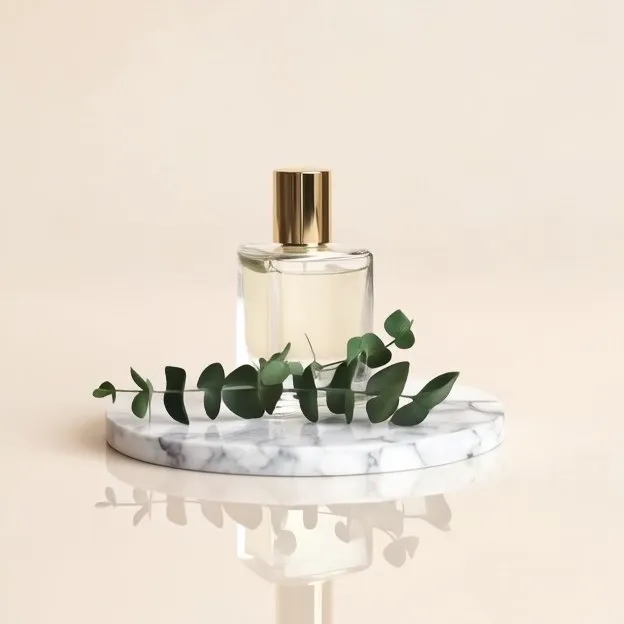
Step 2 — Upload the first frame — the whole product in frame, even lighting, clean background. Fill {product} with the product, including material and color.
Step 3 — 1:1, submit, and wait for the result. This time it took 75 seconds.

Placeholder cheat sheet
The curly-brace slots in the template are blanks — 1 in total, all of which you need to replace with your own content. Leave one unfilled and the model will make something up. The right column has sentences you can paste straight in; get it running first, then tweak.
The sway is right, and the label stays readable throughout
The product slowly sways from front to one side, about 20 degrees, then back through center, then to the other side, and finally back to the start. That is the only motion in the whole clip — even speed, no speeding up or slowing down.
The label faces the camera in every frame and stays readable even on a phone screen. That is exactly the value of "no full rotation": a full spin looks flashy, but half the time you're looking at the back.
Three practical tips
1. The first frame decides everything. Composition, camera position, and light direction all come from it — the model won't reframe. A crooked first frame ruins the whole clip.
2. Only three aspect ratios. 16:9, 9:16, 1:1. The final clip follows the first frame's ratio — pick 9:16 but upload a square first frame and it still comes out square. To be safe, crop the first frame to your target ratio first.
3. Fixed at 5 seconds. Want a longer showcase? Loop the clip in the player, or cut it into two and stitch them together.
Commercial terms: the template notes say commercial use is allowed and you own the copyright to the first frame — that matters if you're selling, because it means the asset can go into ads.
- 30 credits per clip (about $0.20–0.90); this run took 75 seconds
- A usable asset usually takes 2 runs to pick one, 60 credits
- For comparison: renting a turntable + a photographer for half a day is $400–800; a motion designer charges $300–800 for a 5-second clip
- Good for: detail-page first screens, standalone-site heroes, Meta/TikTok ad creative
After the video comes out: download, check, rerun
Check the status first — don't rush to regenerate. After submitting it shows queued, then processing, and only then the finished clip. This time it took 75 seconds. If nothing seems to happen, don't click generate again — you'll be charged 30 credits twice.
Download. The result is a 5-second mp4; the download button is below the player, and saving it gives you the original resolution. The first frame is locked to the image you uploaded, so you don't need to make a separate cover.
Three things to check. One, whether the first frame matches the original image; two, whether the only motion is the one you asked for (reject any extra motion); three, whether the ending connects back to the beginning — drag the player to the last frame and compare it with the first; if they don't connect, it will jump.
If you're not happy, rerun — don't change too much. Video is more random than images; the same prompt can give different results twice. When you tweak, change only one sentence and keep the rest as is. If the same problem shows up two runs in a row, the prompt is pointed the wrong way — go back to the "Three practical tips" section above and adjust it the way described there.
Related posts
Cinematic rainy neon: an image with a story, no photographer needed
2026-11-15 · Tutorials · 5 min read
Need a product image before you've shot anything: studio-grade shot, 20 credits
2026-11-15 · Tutorials · 5 min read
Studio portrait: 85mm, soft light, real pores, no plastic look
2026-11-15 · Tutorials · 4 min read