Kling 3.0 AI Image to Video
Kling 3.0 image-to-video · first frame required · silent · 5/10 s · 720p/1080p
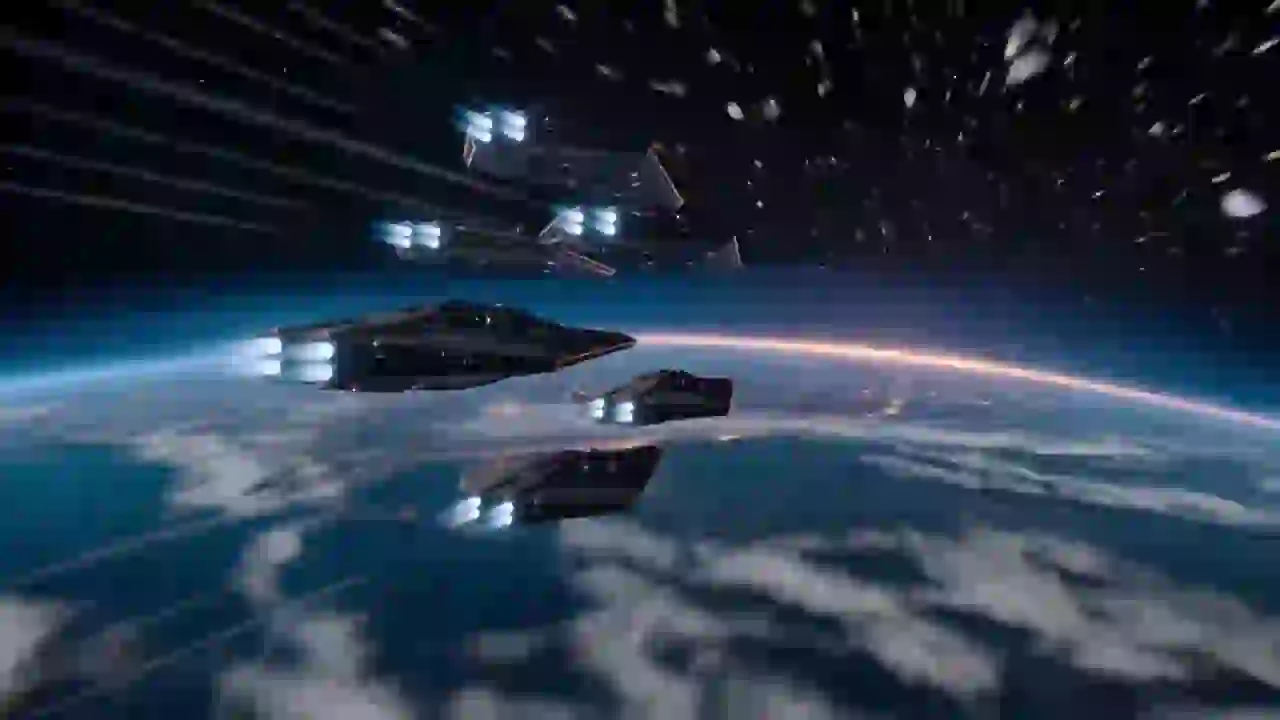
Recent work
Full works wall →Bring a still photo to life
Upload one image and Kling 3.0 animates it with natural body motion and a slow camera move, keeping the subject, framing and light of the original photo.
First frame must be at least 300px per side
Kling rejects smaller images after the job is created, so we check the file locally first and refuse it before any credits are spent. Any image from 300px up works; 1024px or larger gives visibly better motion.
Silent, 5 or 10 seconds
Output has no audio track by design, and duration is limited to 5 or 10 seconds. Prices are 110 credits per 5 seconds at 720p and 140 at 1080p — cheaper than any other image-to-video tier we stock.
At a glance
Specifications
- Model
- Kling 3.0 I2V · Silent
- Resolution
- 720p / 1080p
- Video length
- 5s / 10s (fixed duration)
- Image to video
- Supported (first frame)
- Price
- 110 credits / 5s
Overview
About Kling 3.0 I2V · Silent
Kling 3.0 image-to-video takes a single still and makes it move: a portrait blinks and turns slightly, a product shot drifts with a slow push-in, a landscape gains weather and camera drift. The aspect ratio follows your photo rather than a preset, so vertical phone shots stay vertical. Two things to know before you start: the first frame must be at least 300 pixels on each side, and the output is silent — add music or voiceover in your editor. For higher fidelity from a photo, Kling 3.0 shares its motion model with the text-to-video tier, so quality is consistent across both.
How it works
How to generate video with Kling 3.0 I2V · Silent
- Sign up freeNew accounts get 100 free credits — enough to test-drive Kling 3.0 I2V · Silent on short clips before paying anything.
- Describe the shotWrite the scene, camera move and mood — or upload a first frame for image-to-video. Pick aspect ratio and duration.
- Generate and downloadRendering takes one to a few minutes depending on model and length. Download the MP4, or publish it to the community gallery.
Prompt tips
Prompt tips for better video
- Direct the camera: “slow dolly-in”, “orbit around the subject”, “handheld follow” — video models respond to cinematography language.
- One action per shot. “A woman turns and smiles as wind moves her hair” beats three stacked actions every time.
- For image-to-video, start from a sharp, well-composed frame — the model animates what you give it, including its flaws.
Who it’s for
What creators use Kling 3.0 I2V · Silent for
- Short-form video: TikTok, Reels and Shorts hooks generated in minutes.
- Product motion: turn stills into rotating, zooming showcase clips.
- Storyboards: animatic previews for ads and film pitches.
- Old photos and memories: subtle animation for personal archives.
Compare video models
- Seedance 2.0 Mini — 100 credits / 5s
- Seedance 2.0 Fast — 180 credits / 5s
- Seedance 2.0 PRO — 300 credits / 5s
- Seedance 2.5 — 360 credits / 5s
- Seedance 2.5 Flash — 200 credits / 5s
- Wan 2.7 T2V — 150 credits / 5s
- Wan 3.0 — 180 credits / 5s
- Wan 2.6 I2V · Silent — 40 credits / 5s
- Wan 2.2 Lite — 30 credits / 5s
- Wan 2.2 I2V · Silent — 30 credits / 5s
- Kling 4.0 — 180 credits / 5s
- Kling 3.0 · Silent — 110 credits / 5s
Questions