Seedream 5.5 AI Image Generator
ByteDance's newest image model, live on Slloy — tighter composition, cleaner in-image text and the most consistent multi-subject scenes in the family.
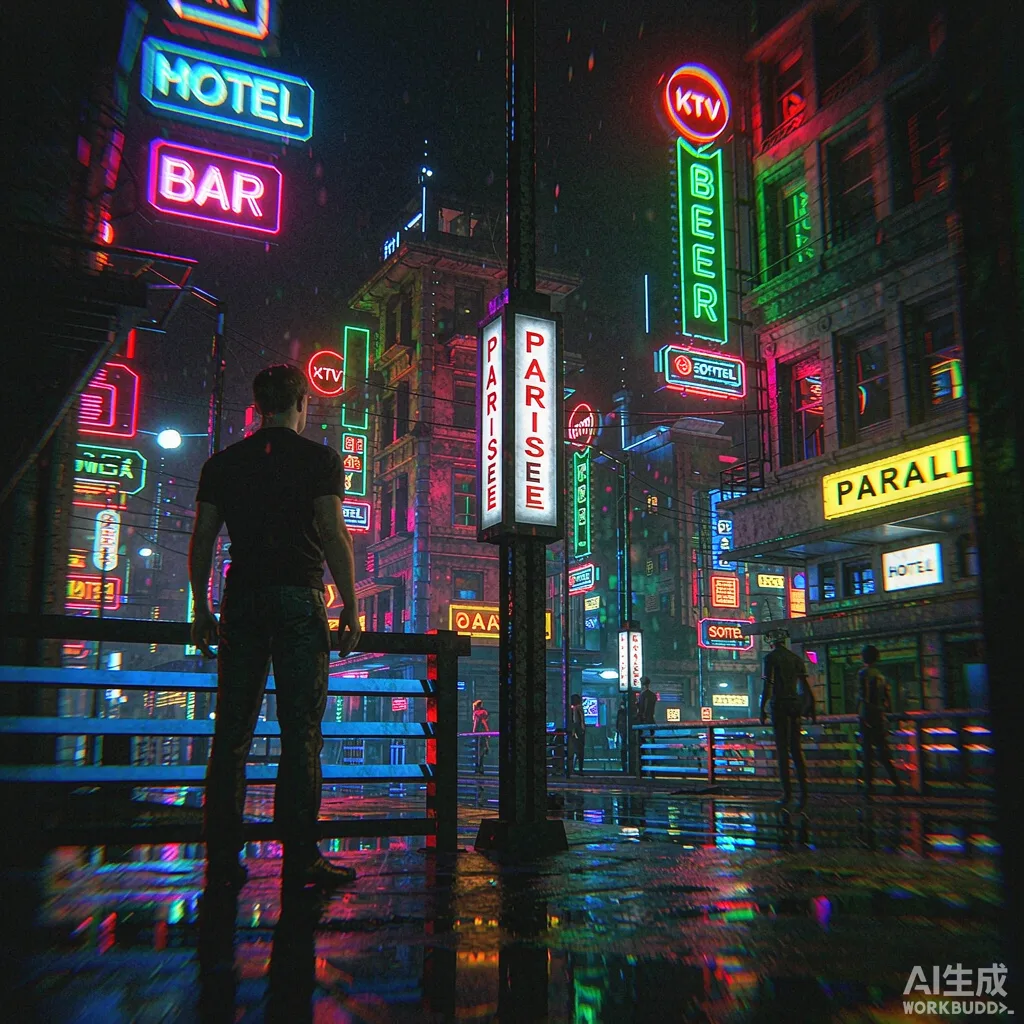
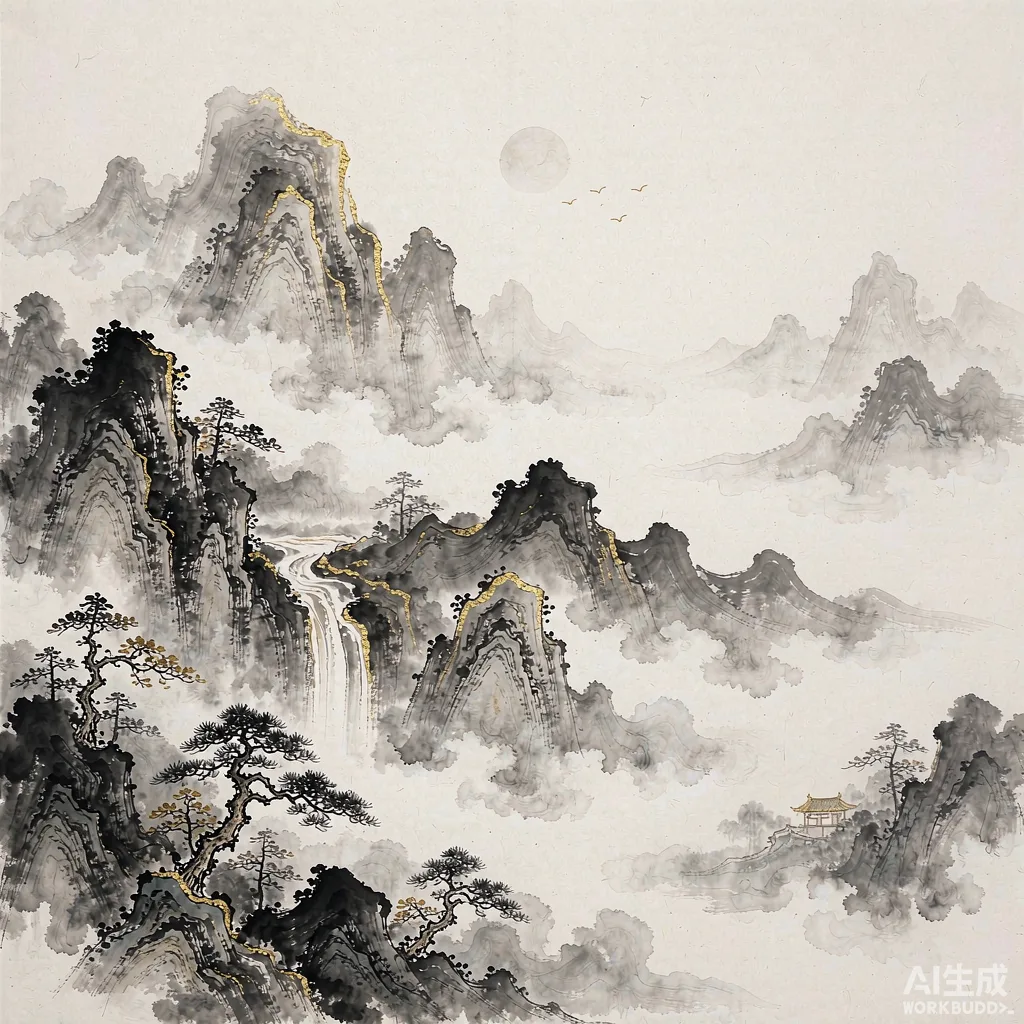
Recent work
Full works wall →Examples
Made with Seedream 5.5
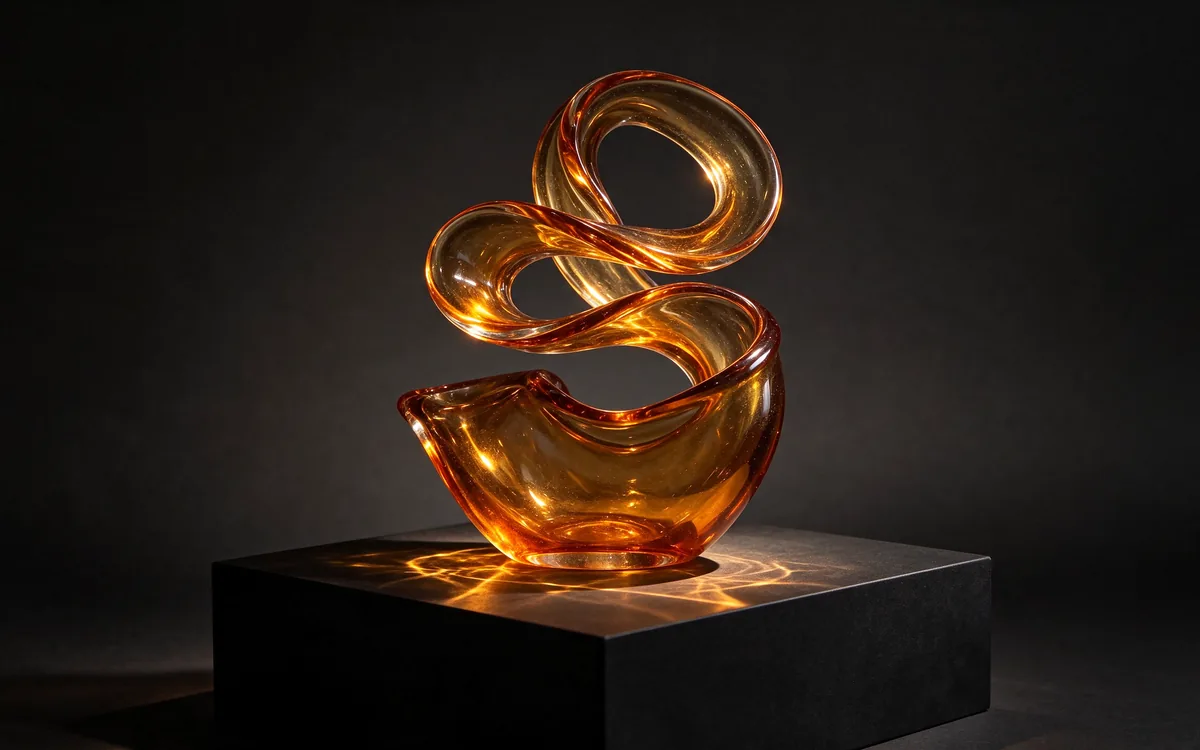
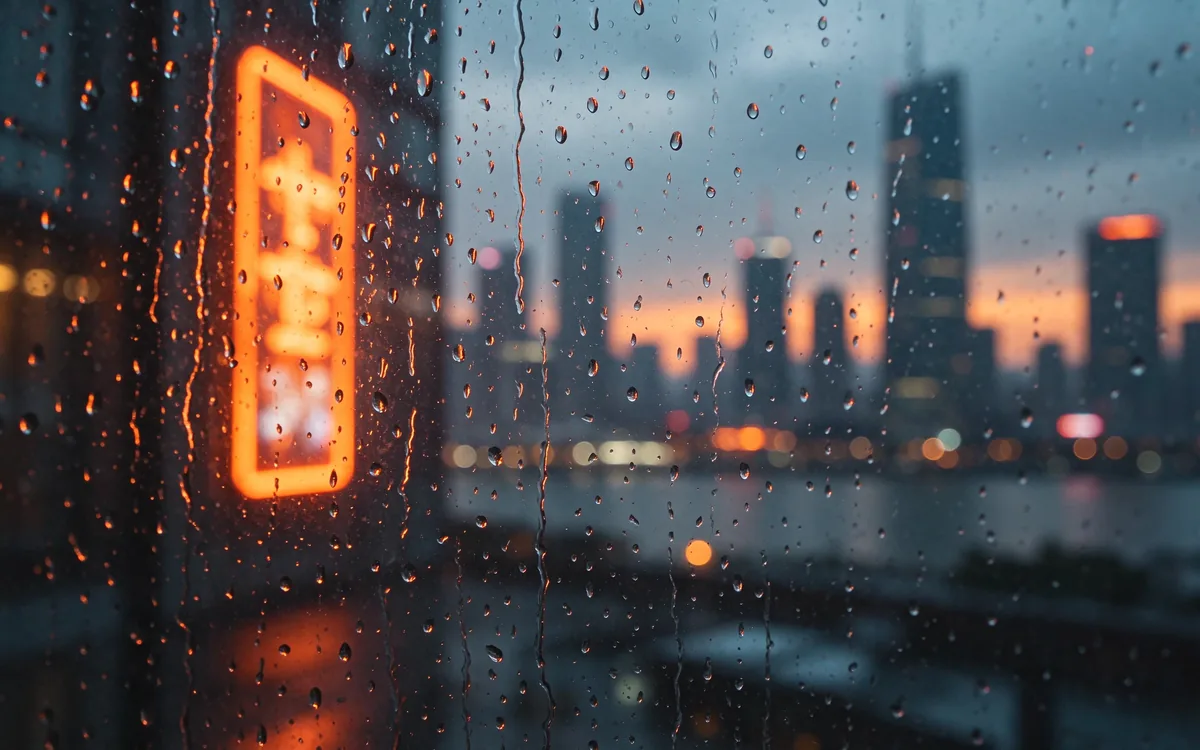
Generated with Seedream 5.5 on Slloy AI, straight from the model. No retouching, no upscaling.
Newest generation
5.5 is the model ByteDance shipped after 5.0. Dense scenes, layered briefs and text-heavy layouts land closer to the prompt, so you rerun less.
2K native output
Real 2048 × 2048 pixels straight from the model, up to 3840 × 1280 for wide headers — native, not upscaled.
30 credits per image
Same price as Seedream 5.0 Pro. The 100 free credits on signup are 3 images, no credit card needed.
At a glance
Specifications
- Max resolution
- 2048 × 2048 (2K), up to 3840 × 1280
- Aspect ratios
- 1:1 · 16:9 · 9:16 · 4:3 · 3:4 · 4:5 · 2:3 · 3:1
- Average speed
- about 10 seconds
- Price
- 30 credits per image (from $0.19)
Overview
About Seedream 5.5
Seedream 5.5 is the newest image model in ByteDance's Seedream line, and on Slloy it costs exactly what the previous generation costs: 30 credits per image. That is the unusual part. Newer models usually arrive with a higher price and a list of promises; this one arrives at the same 30 credits as Seedream 5.0 Pro and asks to be judged on the pictures instead. What actually changes is prompt fidelity on busy briefs — scenes with several subjects that each need to look intentional, layouts where the headline has to survive a zoom-in, and series work where the same face or product has to hold across a dozen images. Output is native 2K (2048 × 2048) and runs up to 3840 × 1280 on the wide 3:1 ratio, across eight aspect ratios including 4:5 and 2:3 for social. If you already have a Seedream workflow, switching is one dropdown change; nothing else about the workbench moves.
Start with Seedream 5.5 if you want the current best default and do not care to compare versions. Stay on Seedream 5.0 Pro when you need the engine that has been in production longest. Use z-image-turbo (10 credits) for drafts you are going to throw away, and Qwen-Image when the job is mostly typesetting.
How it works
How to create images with Seedream 5.5
- Sign up freeCreate an account and get 100 free credits — no card required. That's about 5 images to test Seedream 5.5 with your own prompts.
- Write your promptDescribe subject, style, lighting and mood. Seedream 5.5 accepts prompts in 20+ languages and handles text-in-image requests.
- Generate and downloadPick an aspect ratio, hit generate, and your 2K image is ready in seconds. Download it or keep it in your permanent gallery.
Prompt tips
Prompt tips that work with Seedream 5.5
- Be specific about light and lens: “golden-hour backlight, 85mm portrait” beats “nice photo” every time.
- Put text requests in quotes — “a poster that reads GRAND OPENING” — and keep the text short for clean rendering.
- Iterate: regenerate with small changes instead of rewriting the whole prompt, or edit the result with natural-language instructions.
Who it’s for
What creators use Seedream 5.5 for
- E-commerce: product shots, lifestyle scenes and model imagery without a studio.
- Social content: scroll-stopping visuals with readable captions baked in.
- Marketing: ad variants, posters and banners in every aspect ratio you need.
- Concept art: fast style exploration across consistent characters and scenes.
Questions