Pinterest Is a Waterfall Grid — Only 2:3 Fills the Card
Pinterest users come looking for inspiration, and the more of the card your image fills, the more clicks it gets. This template composes natively at 2:3: the lower two-thirds hold the product and scene, the upper third stays open for a headline. 20 credits, 44 seconds.

A lot of people upload their Instagram images straight to Pinterest and end up with a tiny thumbnail or black bars top and bottom — in the waterfall grid it looks small and amateurish.
The reason is aspect ratio: Pinterest's native ratio is 2:3 (1000×1500), and both square and 4:5 images have to be squeezed into that frame.
The prompt uses a "two-part" composition
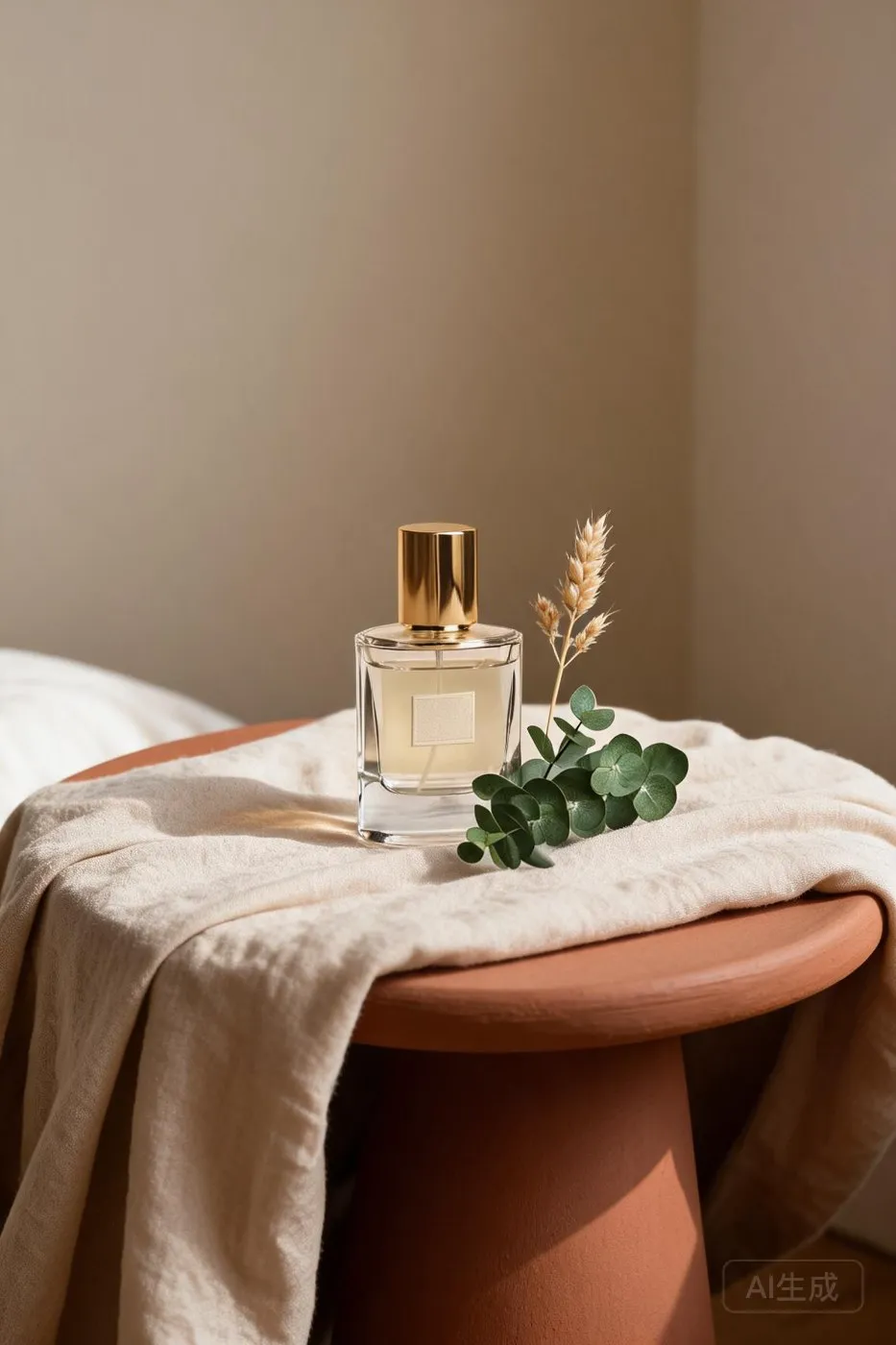
Lower half: "the lower two-thirds carry the product and the scene, with the product reading as the subject at no less than a quarter of the frame height". The lower two-thirds carry the product and scene, with the product taking up at least a quarter of the frame height — that's the floor that keeps it legible in a thumbnail.
Upper half: "the upper third stays calm, low-detail and uncluttered for a headline". The upper third stays calm, low-detail and uncluttered, reserved for the headline.
Style: layer materials in {setting}, set the tone with {palette} (low-saturation warm tones), a 30-degree top-down angle, soft side lighting — in interior photography this angle reads most like a magazine spread.
Margins: "Nothing important within 5% of any edge" — keep important content out of the outer 5% on all four sides.
Note how it differs from the Instagram template: Instagram is "centered with margins all around", Pinterest is "split top and bottom, each with its own job". Both are vertical images, but the composition logic is completely different.
Before you start: login and credits
Log in. Open slloy.com, click "Log in" in the top right, enter your email, and type in the 6-digit code you receive. The site only supports code-based login, no password — just remember which email you used.
Credits. Generation is charged per run, and this one costs 20 credits (about $0.13 on the largest plan, up to $0.60 on the smallest). Your balance is in the account panel in the top right — open it to see it; if the balance is too low the page tells you directly, so you won't be charged for nothing.
Do you need to upload an image first for this one? Yes — it's a "keep the original image, change one thing" template, and without an upload you'll get a product the model invented, with credits still charged. The left column has a reference image upload slot; just drag your photo in.
What the interface looks like. Once you're in the generator, the left column from top to bottom is: image/video toggle, model (Seedream 5.0 for this one), prompt library (shows "preset loaded" — the template has already filled in the words for you), prompt input box, style presets, aspect ratio (2:3 by default), number of images, and the generate button at the very bottom — on a long page you may need to scroll down a bit to see it. The right column is the preview area and recent works.
Steps: one image, three blanks
Step 1 — Use case "Post to social media" → "Pinterest 2:3 vertical" → generate the same.
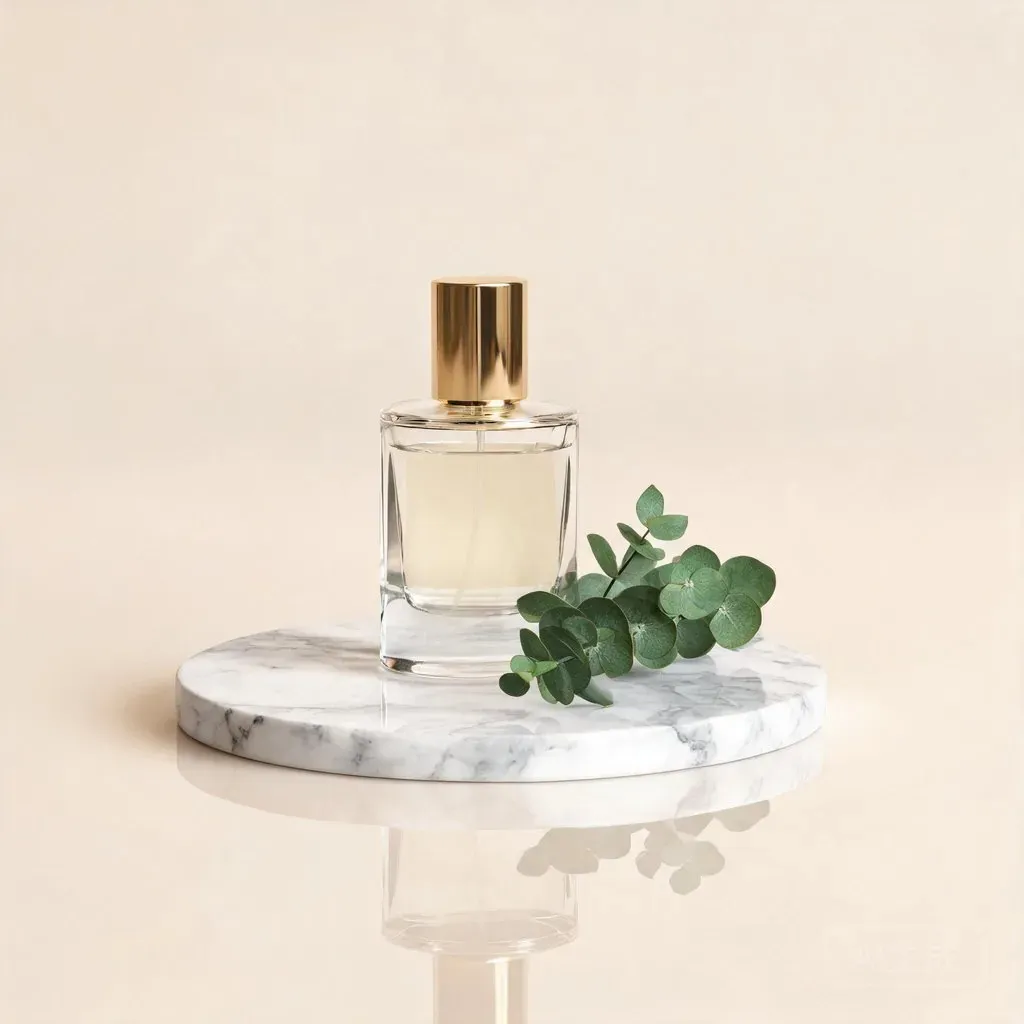
Step 2 — Upload your product image. {product} product, {setting} scene ("on a light wood table with a beige wall in the background"), {palette} color scheme ("cream white and light brown").
Step 3 — 2:3, 20 credits, generate. This run took 44 seconds.
Placeholder cheat sheet
The template has 3 blanks wrapped in curly braces, and you need to replace all of them with your own content — leave them unfilled and the model will make something up. The right column has sentences you can paste in directly; get it working first, then edit.
Get the layout right and the headline slot comes with it
The image is standard 2:3, so it fills the full card width in the waterfall grid. The product sits in the lower two-thirds, large enough to be clear even as a thumbnail.
The upper third is a clean block of wall color with no distracting detail — lay a headline like "Small-space storage ideas" over it and it reads effortlessly. Most Pinterest clicks come from the combination of "headline + image", not the image alone.
Two hard rules
1. Don't fill the upper third. It's empty by design, not by omission. Images crammed with props look like product shots on Pinterest, not inspiration, and click-through actually drops.
2. Don't force a 4:5 into it. The template notes say it plainly: a 4:5 image in a 2:3 preset gets cropped into the product. If you need cross-platform, regenerate at 2:3 — 20 credits is cheaper than retouching.
Bonus: Pinterest is search-driven, so put the words buyers actually search (not brand terms) in the title and description. A good image plus the right keywords can multiply your exposure several times over. The image makes people stop; the text makes it findable.
After the image comes out: download, check, redo
Don't click repeatedly while you wait. This run took 44 seconds. The page shows a placeholder block or blurred preview first, and the finished image appears when progress completes. Clicking "Generate" again charges another 20 credits, and the two jobs queue behind each other.
Download and naming. There's a download button below the finished image, and what you get is the original at the generated size. Put the use case and date in the filename when you save it (e.g. etsy-pin-2026-11-15-v1) so you don't have to dig through chat history a week later.
Three checks. First, is the subject's structure distorted (bottle turned into a cylinder, wrong number of fingers, furniture floating off the floor); second, are there typos in any text in the image; third, are there dirty spots or stray props at the edges. If all three pass, leave it alone.
If you're not happy, change one sentence and run again. Don't rewrite the whole thing — a rewrite means a new direction and throws out all your earlier judgment. Go back to the "Two hard rules" section above and change just one sentence the way it describes, then spend another 20 credits on one more run. Failed jobs are refunded automatically, but they are not retried automatically — you have to click again yourself.
Cost
- 20 credits per image (about $0.13 on the largest plan, up to $0.60 on the smallest), 44 seconds this run
- Pinterest recommends 3–5 Pins a day; 21 a week = 420 credits, roughly $3–13 a month
- For comparison: outsourcing Pinterest template design runs $5–15 per image
- Tip: the same image with different headlines can be posted multiple times — no need to regenerate each time
Related posts
Cinematic rainy neon: an image with a story, no photographer needed
2026-11-15 · Tutorials · 5 min read
Need a product image before you've shot anything: studio-grade shot, 20 credits
2026-11-15 · Tutorials · 5 min read
Studio portrait: 85mm, soft light, real pores, no plastic look
2026-11-15 · Tutorials · 4 min read