The thumbnail is the only real cover on YouTube
Same video, different thumbnail, and the click-through rate can double. But part of that 16:9 frame doesn't belong to you: the right third has to hold the headline and the duration badge. This template pins the subject to the left and leaves the right side blank. 20 credits, 39 seconds.

Channels doing product reviews, unboxings, and tutorials usually need a close-up of the product in the thumbnail. The problem: put the product in the middle and there's no room for the headline; put it on the right and the duration badge covers it.
And that image is usually grabbed from the video — the frame has messy lighting, a cluttered background, and the subject isn't even in focus.
Three key constraints in the prompt
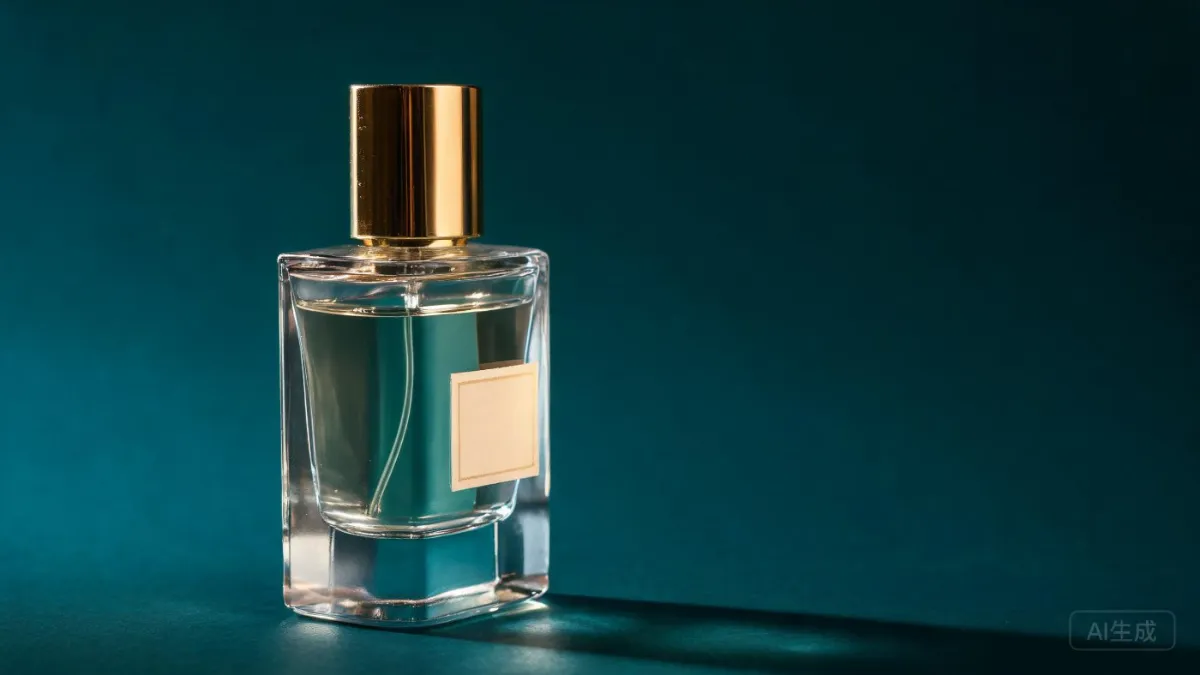
Subject position and scale: "the subject sits in the left two-thirds and fills at least 80% of the frame height". Left two-thirds, at least 80% of the height — on a phone a thumbnail is only thumbnail-sized, so the subject has to be big enough.
The background is one solid piece: "a clean cut-out edge against one seamless {backdrop} backdrop — a single flat surface, no second panel, no vertical seam, no visible corner". A single flat surface, no second panel, no vertical seam, no visible corner. These three rules specifically guard against the cheap look of a seam in studio backdrop paper.
Blank space on the right: "Keep the right third deliberately calm and low-detail — nothing enters it, because that band carries the headline and the platform's duration badge." Keep the right third calm and low-detail, and let nothing enter it.
One more line that's easy to overlook: "the label appears exactly once, never repeated, doubled or mirrored". The label can only appear once — the model sometimes mirrors a copy of the text on the packaging, and it looks fake at a glance on a thumbnail.
Before you start: login and credits
Log in. Open slloy.com, click "Log in" in the top right, enter your email, and type in the 6-digit verification code. The site only supports code-based login, no password — just remember which email you used.
Credits. Generation is charged per run; this one is 20 credits (about $0.13 on the largest plan, up to $0.60 on the smallest). Your balance is in the account panel in the top right — open it to see it; if the balance is too low the page tells you directly, so you won't be charged for nothing.
Do you need to upload an image first? Yes — this is a "keep the original image, change one thing" template. Without an upload you'll get a product the model made up, and credits are still charged. There's a reference image upload slot in the left column; just drag your photo into it.
What the interface looks like. Once you're in the generator, the left column from top to bottom is: image/video toggle, model (Seedream 5.0 for this one), prompt library (shows "preset loaded", the template has already filled in the wording for you), prompt input box, style presets, aspect ratio (16:9 by default), number of images, and the generate button at the very bottom — on a long page you may need to scroll down a bit to see it. The right column is the preview area and recent works.
Steps: one image, two blanks
Step 1 — Use case "Make a cover" → "YouTube thumbnail (headline space on the right)" → generate the same.
Step 2 — Upload the product image. {product} product, {backdrop} background color ("dark charcoal seamless backdrop" — a solid color is cleaner than a gradient).
Step 3 — 16:9, 20 credits, generate. This time 39 seconds.
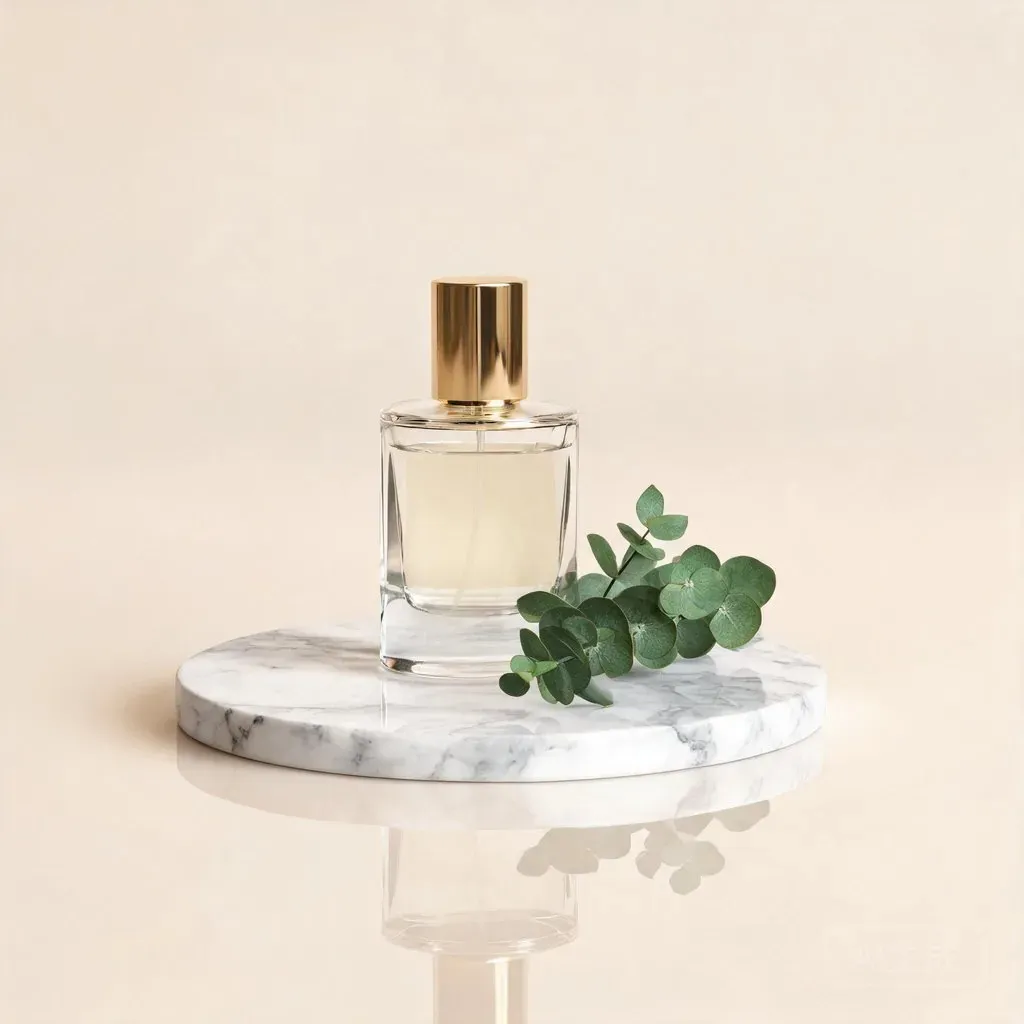
Placeholder cheat sheet
The template has 2 blanks wrapped in curly braces, and all of them need to be replaced with your own content — leave them unfilled and the model will make something up. The right column has sentences you can paste in directly; get it working first, then tweak.
Layout in one pass
The product sits on the left, taking up 80% of the frame height, with clean edges and no extra outline; the background is one solid dark plane with no visible seam or corner; the right third is pure clean background color with nothing blocking it.
This layout is ready to use: product on the left, a two-line headline in large type on the right, and room in the bottom right for the duration badge — YouTube overlays it automatically, and it lands right in the empty space.
Three technical details
Step 1 — Export as JPEG. YouTube's limit is 2MB, and PNGs often exceed it. A JPEG at quality 85–90 is usually 200–400KB with no visible difference.
Step 2 — Don't let it write text. The model misspells large type a few times out of ten, and one misspelled letter on a thumbnail kills your credibility instantly. Lay out the blank space yourself.
Step 3 — Watch the duration badge. It sits in the bottom right corner, so if your headline is right-aligned at the bottom it'll get covered. Move the headline up or center it.
Also: on mobile a thumbnail displays at only about 168×94. When you're done, shrink it to that size and take a look — if you can still recognize the product and read the headline, it passes.
After the image comes out: download, check, redo
Don't click repeatedly while you wait. This one takes 39 seconds. The page shows a placeholder block or blurry preview first, and the finished image appears when the progress bar completes. Clicking "Generate" again charges another 20 credits, and the two jobs queue behind each other.
Download and naming. There's a download button below the result, and what you get is the original at the generated size. Put the use case and date in the filename when you save it (e.g. etsy-pin-2026-11-15-v1) so you don't have to dig through chat logs a week later.
Three checks. One, is the subject's structure distorted (bottle turned into a cylinder, wrong number of fingers, furniture floating off the floor); two, is there any misspelled text in the image; three, are there dirty spots or extra props at the edges. If all three pass, you're done.
If you're not happy, change one line and run again. Don't rewrite the whole thing — a rewrite means a new direction and all your earlier judgment is wasted. Go back to the "Three technical details" section above and change just one line the way it describes, then spend another 20 credits on a run. Failed jobs are refunded automatically, but they are not retried automatically — you have to click again yourself.
Cost
- 20 credits per image (about $0.13 on the largest plan, up to $0.60 on the smallest), 39 seconds this time
- 3 thumbnails for A/B testing on one video = 60 credits
- For comparison: outsourced thumbnail design is $20–50 each, with a 1–3 day designer turnaround
- A/B testing pays for itself: going from a 4% to a 6% click-through rate is a 50% difference in views on a video
Related posts
Cinematic rainy neon: an image with a story, no photographer needed
2026-11-15 · Tutorials · 5 min read
Need a product image before you've shot anything: studio-grade shot, 20 credits
2026-11-15 · Tutorials · 5 min read
Studio portrait: 85mm, soft light, real pores, no plastic look
2026-11-15 · Tutorials · 4 min read