Remove clutter from a product photo
One object gone per run, with the surface rebuilt behind it.
Use this promptUpload one photo and name a single item to remove, as precisely as you can — the mug on the left, the cable, the price tag. Run it again per item; removing several at once leaves smudges.
- Model
- Seedream 5.0
- Use case
- Edit a photo
- Fits
- Etsy · Shopify · Amazon
- Season
- Year-round
- Aspect ratio
- —
- Duration
- —
- Images
- 1
- Input
- Your own photo
- Credits
- 30 credits
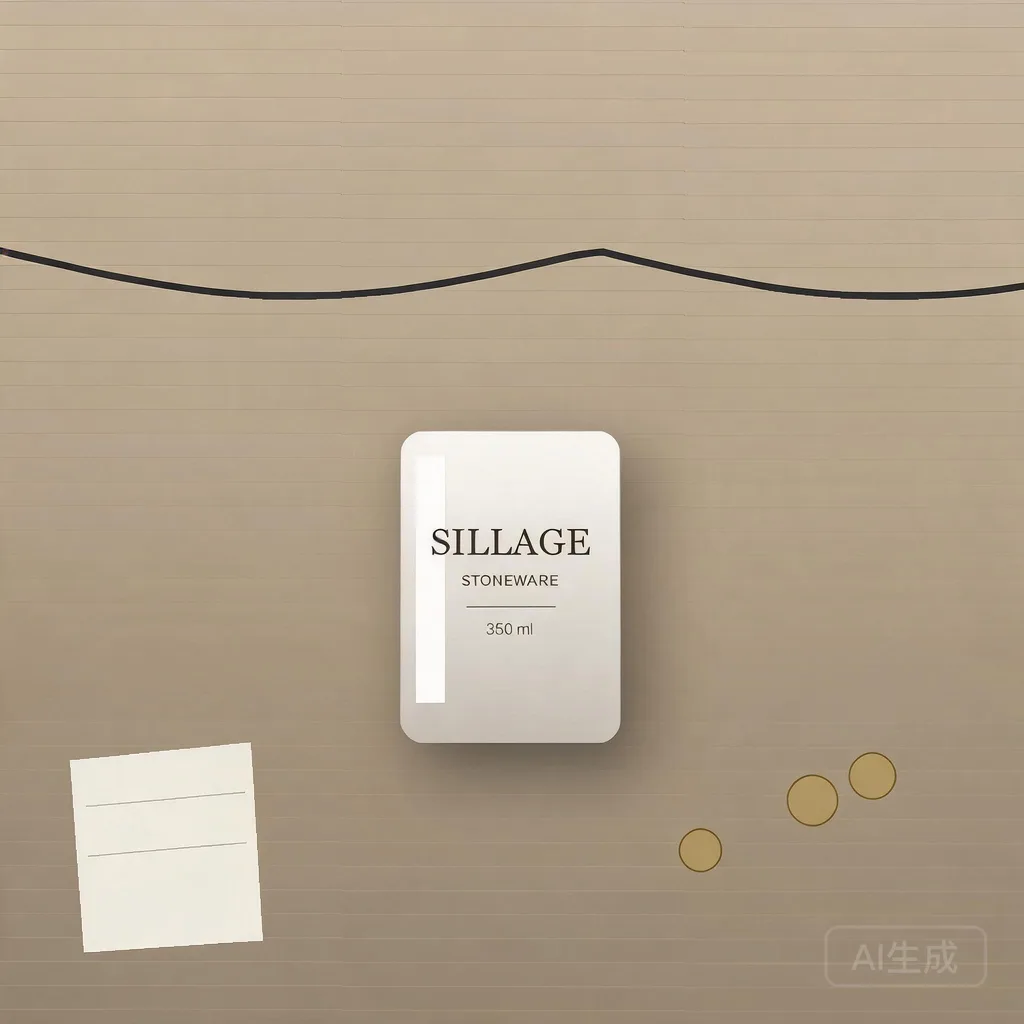
Prompt
Remove {clutter} from the photo completely, as if it had never been there, and rebuild what was behind it — same surface, same texture grain, same lighting falloff — so that no seam, repeated pattern or leftover edge remains. Keep {product} exactly as photographed: same shape, proportions, colour, material and label text. Do not redraw, smooth or outline the product, and do not reposition it in the frame. Remove only this one thing in this pass; if more clutter is left, run the preset again separately for each item. Leave the crop, the perspective and the overall colour temperature unchanged.
Replace
Fill yours in and the prompt above updates in English.
How to fill the placeholders
| Placeholder | What it means | Examples | Common mistake |
|---|---|---|---|
| {clutter} | What it meansOne extra detail: pick a single concrete one | Examples
| Common mistakePacking five details into one slot — the model half-does all of them |
| {product} | What it meansThe item you are selling, described concretely | Examples
| Common mistakeWriting "a nice product" — the model invents an object instead of keeping yours |
Edits your own photo. Fine for your own site and Amazon secondary images — not for the Amazon main image.
Look for a repeating patch on textured surfaces such as wood grain, tiles or fabric folds: that is where the rebuild shows. Watch the shadow of the removed object too — models often forget to delete it.
Disclosure
This item was removed with AI. Nothing else in the photo was changed.
 Change the colour of a product
 Background swap for product photos
 Pure white background for product photos