商品圖換一色
只換顏色,高光和褶皺一個位置都不動。
用這個提示詞生成上傳一張清楚的商品照片,寫清目標顏色;有參照色卡就一起傳——寫「鼠尾草綠」而不是只寫「綠色」。單色、有褶皺或明暗過渡的商品效果最好。
- 模型
- Seedream 5.0
- 用途
- 修一張照片
- 適用平台
- Amazon · Etsy · Shopify
- 季節
- 全年通用
- 畫幅
- —
- 時長
- —
- 張數
- 1
- 輸入
- 需你的照片
- 點數
- 30 積分
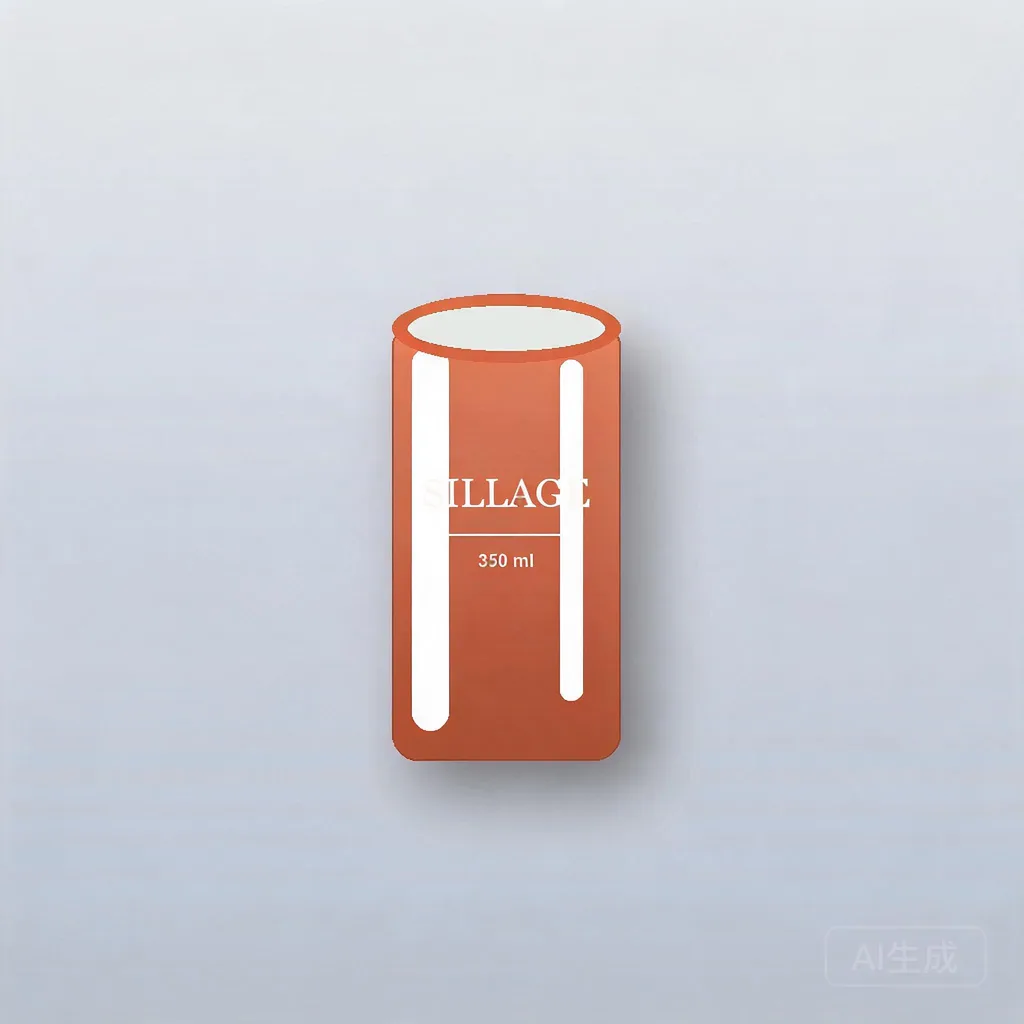
提示詞
提示詞原文是英文——模型照原文執行更準。直接複製或生成即可,不用自己先翻一遍。
Recolour {product} to {colour} and change nothing else. Treat it as a colour replacement on the existing pixels rather than a repaint: keep every highlight, reflection, fold, crease and shadow exactly where it is, and keep the same texture grain, surface finish and material response. Preserve the silhouette, proportions, label text and logo placement untouched — do not redraw, smooth, outline or re-letter any part of it. Shift only the hue and saturation, keeping the original brightness relationships so the product still sits in the same light, with the same contact shadow beneath it. Do not change the background, the crop or the camera angle.
替換詞
填好後,上面的提示詞會自動換成英文。
替換詞怎麼填
| 佔位符 | 含義 | 範例 | 常見錯誤 |
|---|---|---|---|
| {product} | 含義你要卖的那件东西本身 | 範例
| 常見錯誤写「一个漂亮的商品」——模型不知道是什么,会自己编一个瓶子出来 |
| {colour} | 含義颜色:写具体色名或色值,不要写情绪 | 範例
| 常見錯誤写「好看的颜色」——模型会挑它自己的默认配色,多半是你最不想要的那套 |
改的是你自己的照片。可用於獨立站與 Amazon 副圖,不可作 Amazon 主圖。
把褶皺走向和高光點和原圖對齊看:位置變了,說明模型是重畫不是換色。目標色選純黑或純白會把紋理吃掉,往旁邊偏一檔反而更像。
揭露提示
商品顏色由 AI 調整用於展示,實際收到的顏色以真實備貨為準。
 商品圖換背景
 商品圖純白去背
 空房虛擬佈景