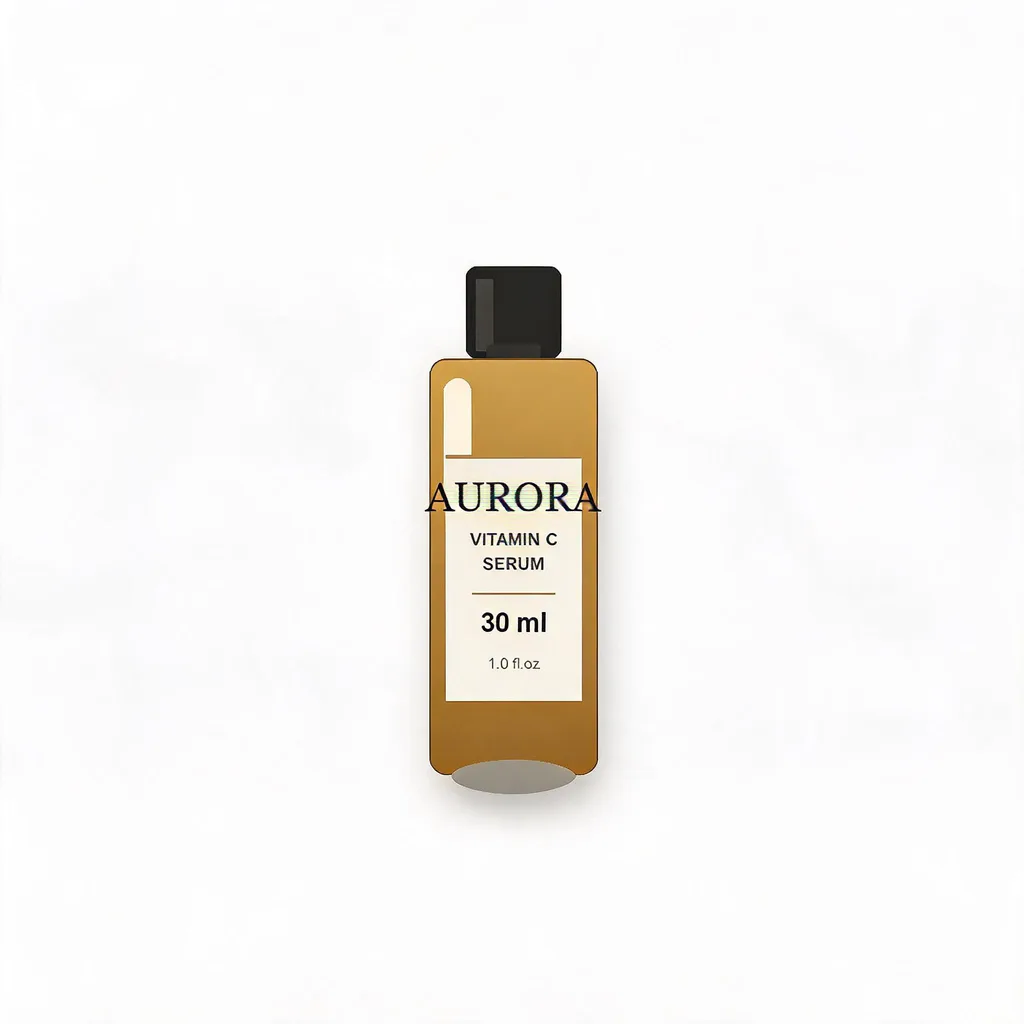
商品圖純白去背
真白底、無漸層、無地面線,可直接當 Amazon 主圖。
用這個提示詞生成上傳一張商品照片:整件在畫面裡、光線均勻、沒有被裁到。成品保持你原照片的比例,所以拍攝時四周多留一點,放大到 85% 才有餘量。
- 模型
- Seedream 5.0
- 用途
- 修一張照片
- 適用平台
- Amazon · Etsy · Shopify
- 季節
- 全年通用
- 畫幅
- —
- 時長
- —
- 張數
- 1
- 輸入
- 需你的照片
- 點數
- 30 積分
提示詞
提示詞原文是英文——模型照原文執行更準。直接複製或生成即可,不用自己先翻一遍。
Place {product} on a pure white background — RGB 255, 255, 255, absolutely even, with no gradient, no vignette and no visible floor line. Scale the composition so {product} spans about 85 percent of the frame height: the product must look big, nearly filling the frame top to bottom, with a thin even margin on all four sides and nothing cropped — a small product floating in the middle of empty white is a failure. Keep the product exactly as photographed: same shape, proportions, colour, material, surface finish and every label character. Do not redraw, smooth or outline it; preserve its original three-dimensional form, edges and texture. Render one soft, correctly angled contact shadow directly beneath it, faint enough that the background still reads as pure white. Leave the aspect ratio exactly as it came in.
替換詞
填好後,上面的提示詞會自動換成英文。
替換詞怎麼填
| 佔位符 | 含義 | 範例 | 常見錯誤 |
|---|---|---|---|
| {product} | 含義你要卖的那件东西本身 | 範例
| 常見錯誤写「一个漂亮的商品」——模型不知道是什么,会自己编一个瓶子出来 |
改的是你自己的照片。可用於獨立站與 Amazon 副圖,不可作 Amazon 主圖。
背景要用取色器驗,不能靠眼睛——亮螢幕看圖會把 3% 的灰底看成白。亮面或絨毛邊緣容易留灰邊,寧可換淺色檯面重拍,也別讓模型去修。
揭露提示
背景由 AI 替換為純白,商品為實際出貨的實物。
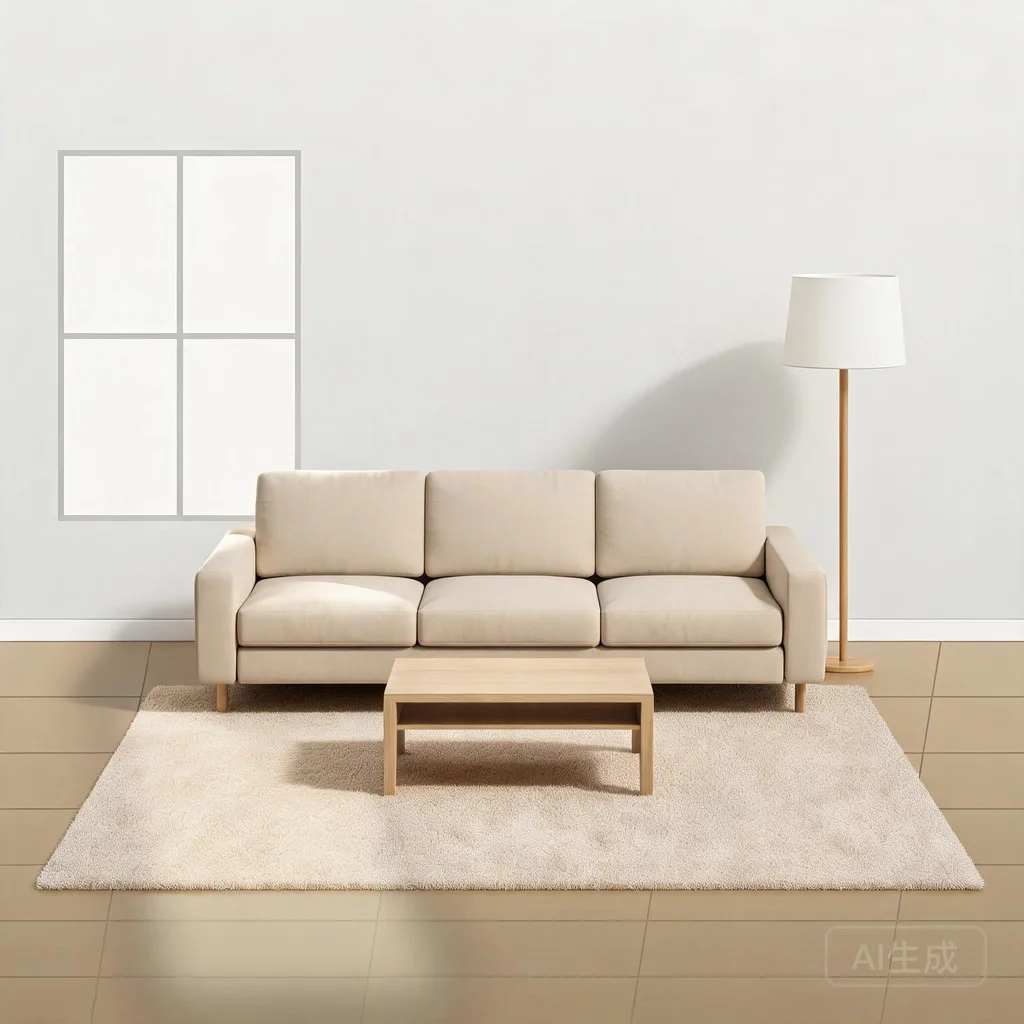 空房虛擬佈景
 五秒無縫循環短片
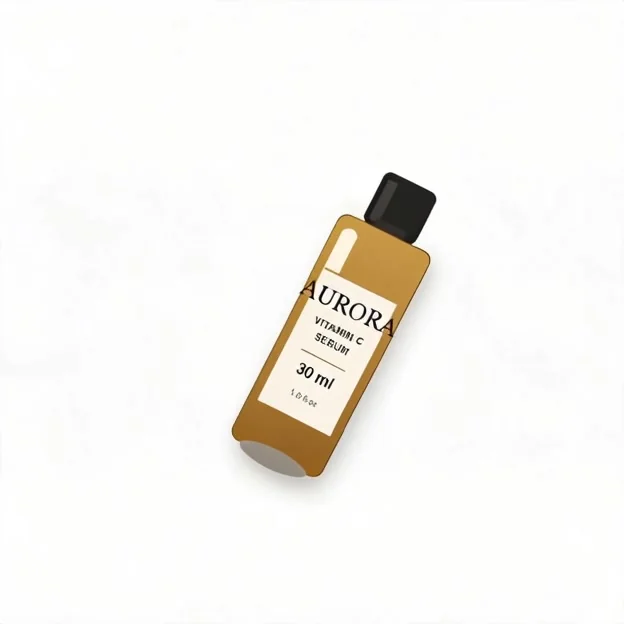 讓商品輕輕擺動,標籤始終清晰