제품 사진에서 잡동사니 지우기
한 번에 하나만 지우고, 뒤에 있던 면을 다시 채웁니다.
이 프롬프트로 생성사진 한 장을 업로드하고 지울 것 하나만 최대한 구체적으로 적으세요. 왼쪽 컵, 케이블, 가격표처럼요. 여러 개면 하나씩 다시 실행하세요. 한꺼번에 지우면 이음매가 뭉개집니다.
- 모델
- Seedream 5.0
- 용도
- 사진 편집
- 지원 플랫폼
- Etsy · Shopify · Amazon
- 계절
- 연중
- 화면 비율
- —
- 길이
- —
- 이미지 수
- 1
- 입력
- 본인 사진
- 크레딧
- 30 크레딧
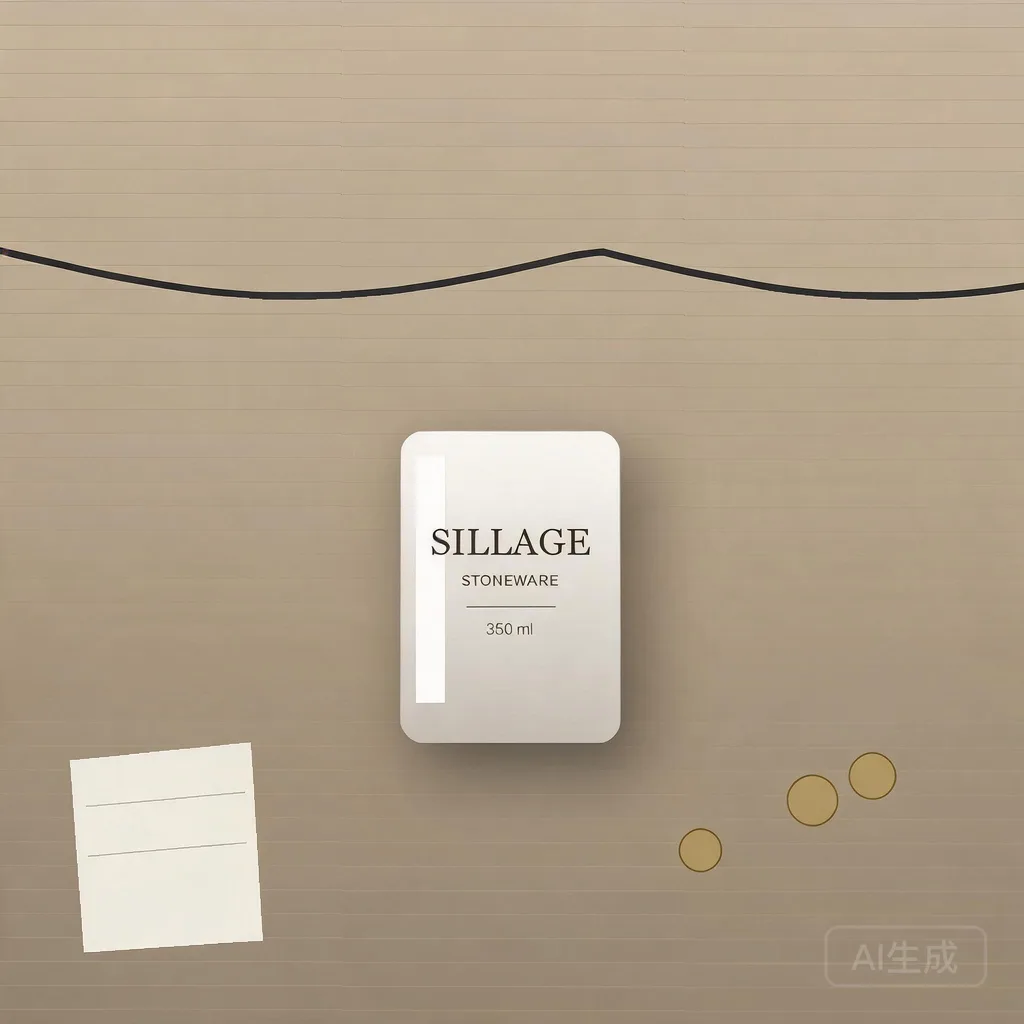
프롬프트
프롬프트는 영어로 작성되어 있습니다. 모델은 원문을 더 정확하게 따르므로 번역하지 말고 그대로 복사해 생성하세요.
Remove {clutter} from the photo completely, as if it had never been there, and rebuild what was behind it — same surface, same texture grain, same lighting falloff — so that no seam, repeated pattern or leftover edge remains. Keep {product} exactly as photographed: same shape, proportions, colour, material and label text. Do not redraw, smooth or outline the product, and do not reposition it in the frame. Remove only this one thing in this pass; if more clutter is left, run the preset again separately for each item. Leave the crop, the perspective and the overall colour temperature unchanged.
바꿀 단어
입력하면 위 프롬프트가 영어로 바뀝니다.
치환어 채우는 법
| 자리표시자 | 의미 | 예시 | 흔한 실수 |
|---|---|---|---|
| {clutter} | 의미One extra detail: pick a single concrete one | 예시
| 흔한 실수Packing five details into one slot — the model half-does all of them |
| {product} | 의미The item you are selling, described concretely | 예시
| 흔한 실수Writing "a nice product" — the model invents an object instead of keeping yours |
고객님의 사진을 편집합니다. 자사 사이트와 Amazon 보조 이미지에는 쓸 수 있지만 Amazon 메인 이미지에는 쓸 수 없습니다.
나뭇결, 타일, 천 주름처럼 무늬가 있는 면에서 같은 무늬가 반복되는 곳을 보세요. 그게 보정의 흔적입니다. 지운 물건의 그림자가 남았는지도 확인하세요.
공개 문구
이 물건은 AI로 제거했습니다. 나머지 부분은 바꾸지 않았습니다.
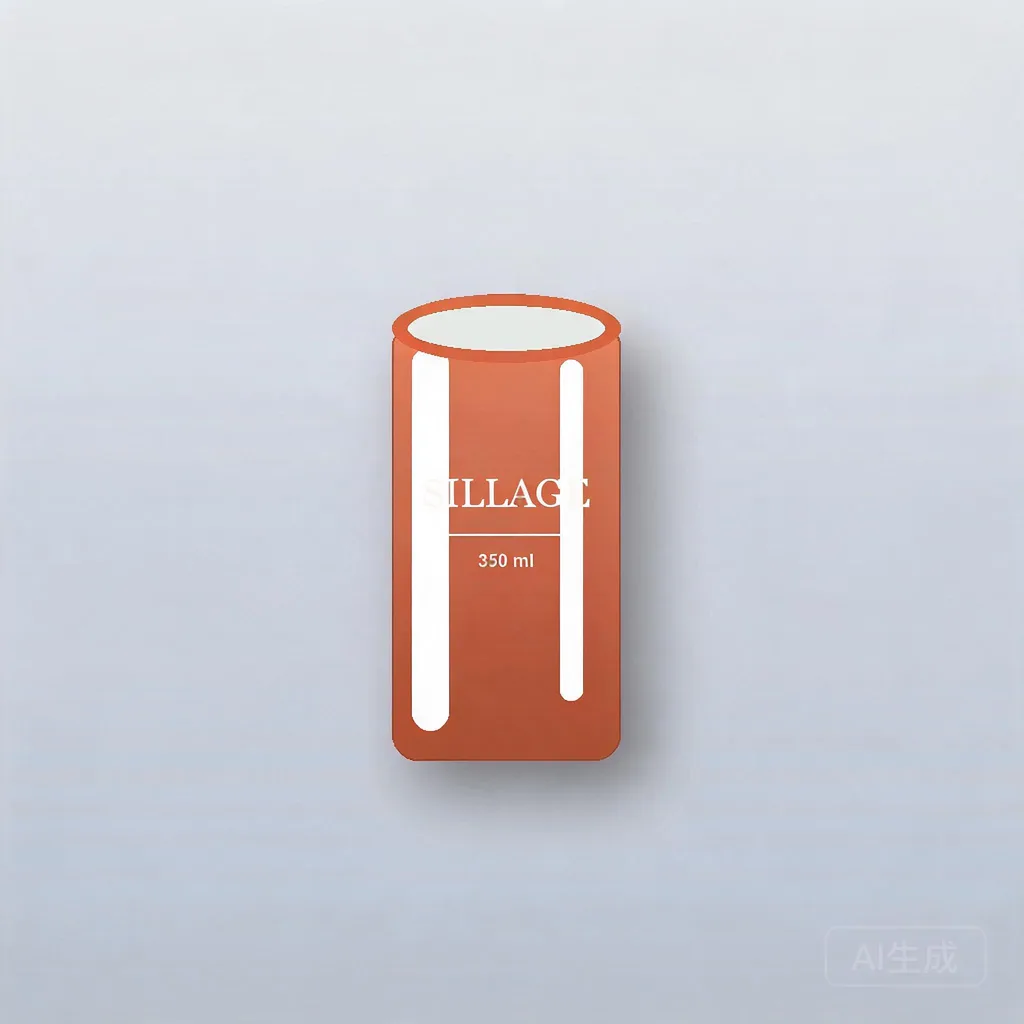 제품 색상만 바꾸기
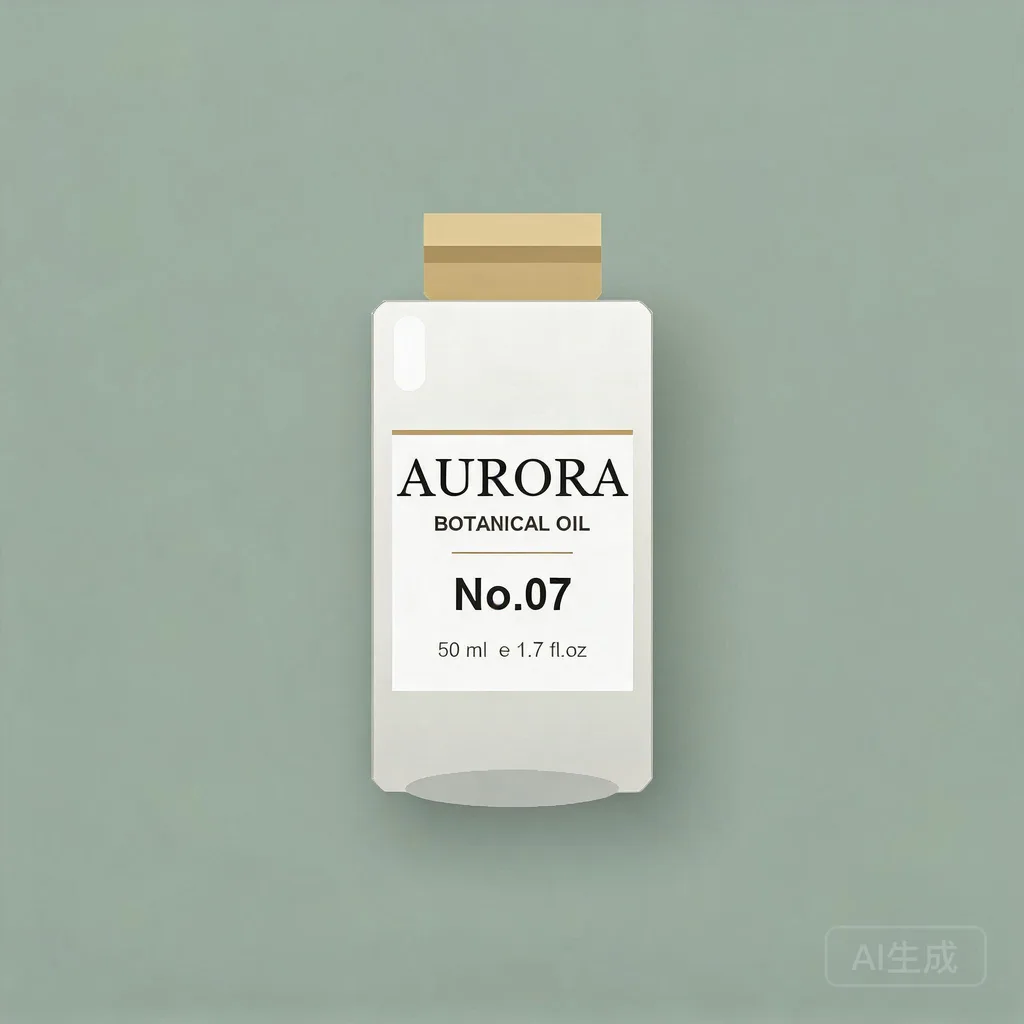 제품 사진 배경만 교체
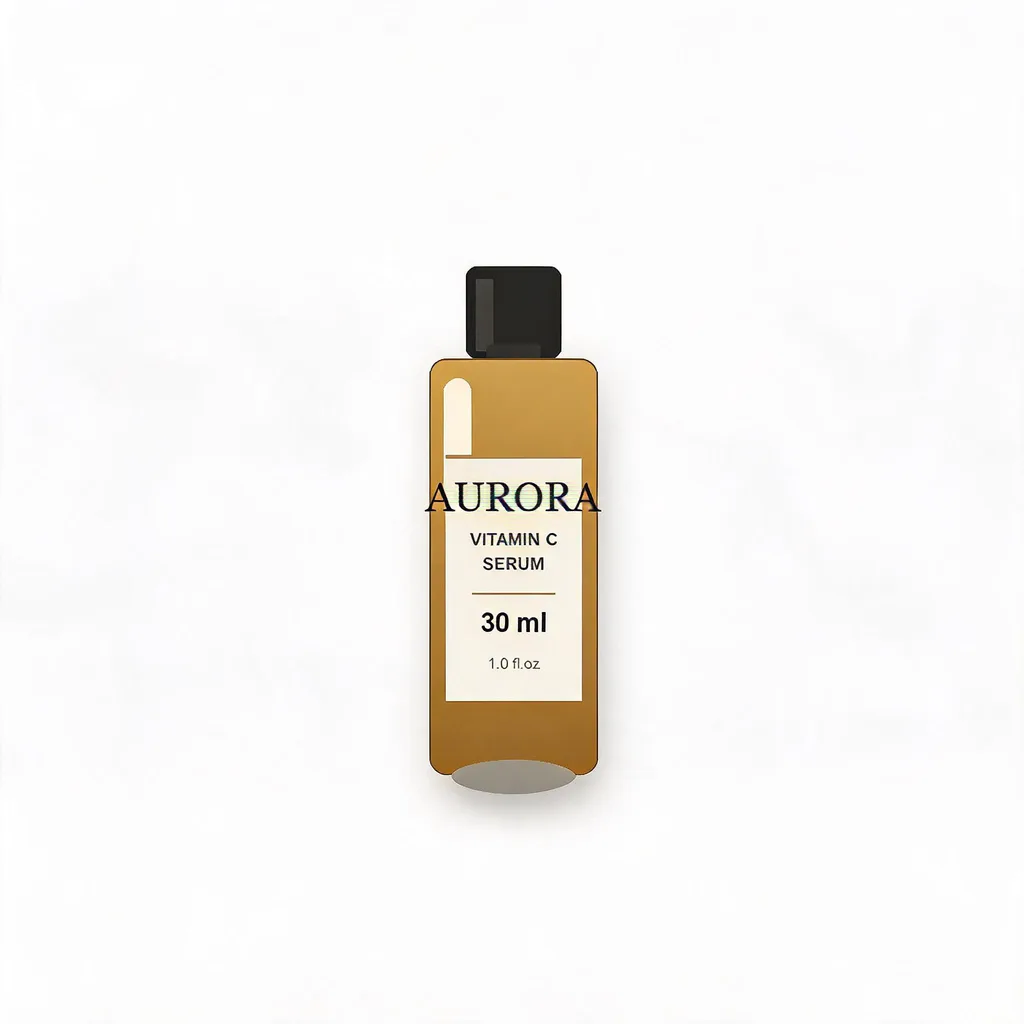 제품 사진을 순백 배경으로