제품 색상만 바꾸기
색만 교체하고 하이라이트와 주름 위치는 그대로 둡니다.
이 프롬프트로 생성제품이 선명하게 나온 사진 한 장을 업로드하고 목표 색을 적으세요. 참조 색이 있으면 함께 보내세요. 초록이 아니라 세이지 그린처럼요. 단색이면서 주름이나 명암이 보이는 제품에 가장 잘 맞습니다.
- 모델
- Seedream 5.0
- 용도
- 사진 편집
- 지원 플랫폼
- Amazon · Etsy · Shopify
- 계절
- 연중
- 화면 비율
- —
- 길이
- —
- 이미지 수
- 1
- 입력
- 본인 사진
- 크레딧
- 30 크레딧
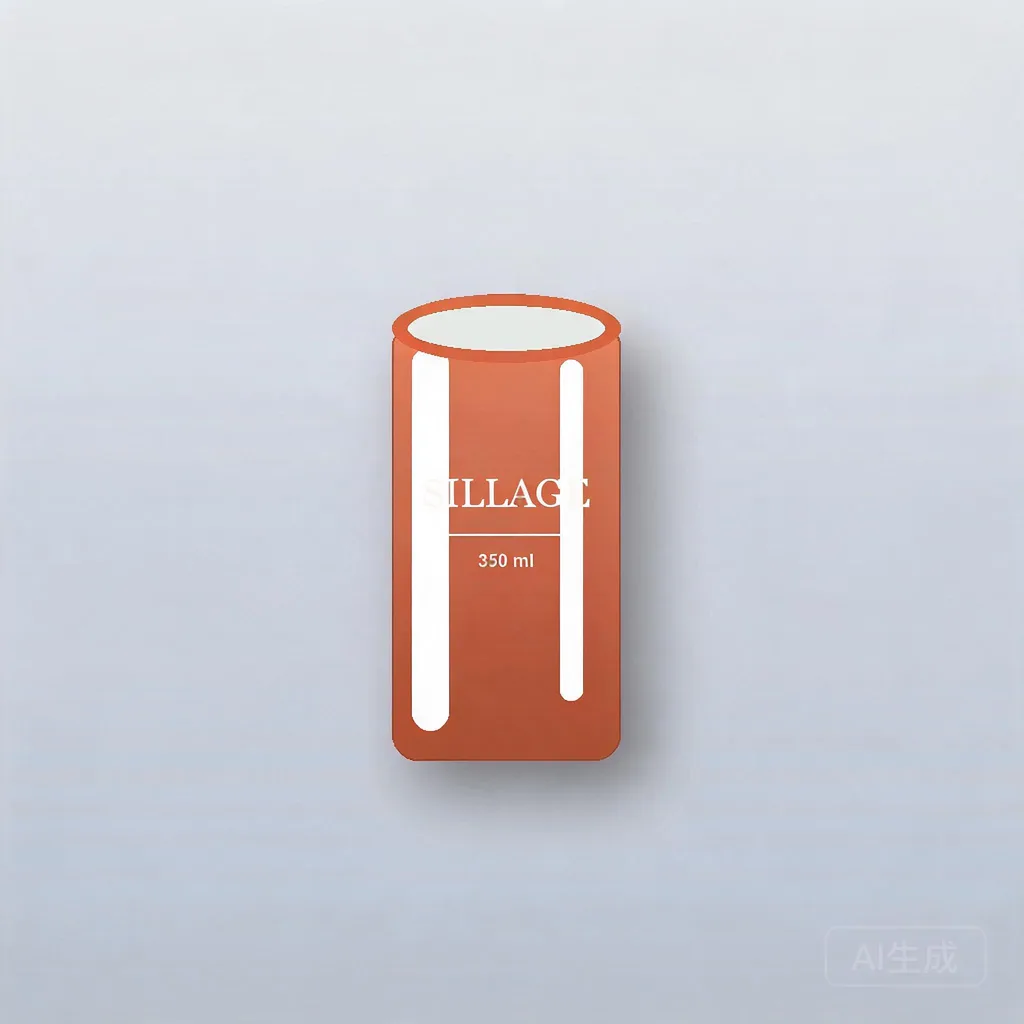
프롬프트
프롬프트는 영어로 작성되어 있습니다. 모델은 원문을 더 정확하게 따르므로 번역하지 말고 그대로 복사해 생성하세요.
Recolour {product} to {colour} and change nothing else. Treat it as a colour replacement on the existing pixels rather than a repaint: keep every highlight, reflection, fold, crease and shadow exactly where it is, and keep the same texture grain, surface finish and material response. Preserve the silhouette, proportions, label text and logo placement untouched — do not redraw, smooth, outline or re-letter any part of it. Shift only the hue and saturation, keeping the original brightness relationships so the product still sits in the same light, with the same contact shadow beneath it. Do not change the background, the crop or the camera angle.
바꿀 단어
입력하면 위 프롬프트가 영어로 바뀝니다.
치환어 채우는 법
| 자리표시자 | 의미 | 예시 | 흔한 실수 |
|---|---|---|---|
| {product} | 의미The item you are selling, described concretely | 예시
| 흔한 실수Writing "a nice product" — the model invents an object instead of keeping yours |
| {colour} | 의미A colour: name it or give a hex value, do not describe a mood | 예시
| 흔한 실수Writing "nice colours" — the model falls back to its default palette |
고객님의 사진을 편집합니다. 자사 사이트와 Amazon 보조 이미지에는 쓸 수 있지만 Amazon 메인 이미지에는 쓸 수 없습니다.
주름 방향과 하이라이트를 원본과 겹쳐 보세요. 위치가 달라졌다면 색을 바꾼 게 아니라 다시 그린 것입니다. 순수 검정이나 순수 흰색을 목표로 하면 질감이 사라지니 한 단계 옆으로 옮기는 편이 자연스럽습니다.
공개 문구
제품 색상은 AI로 조정한 시각화입니다. 실제 수령하는 색상은 판매처 재고 색입니다.
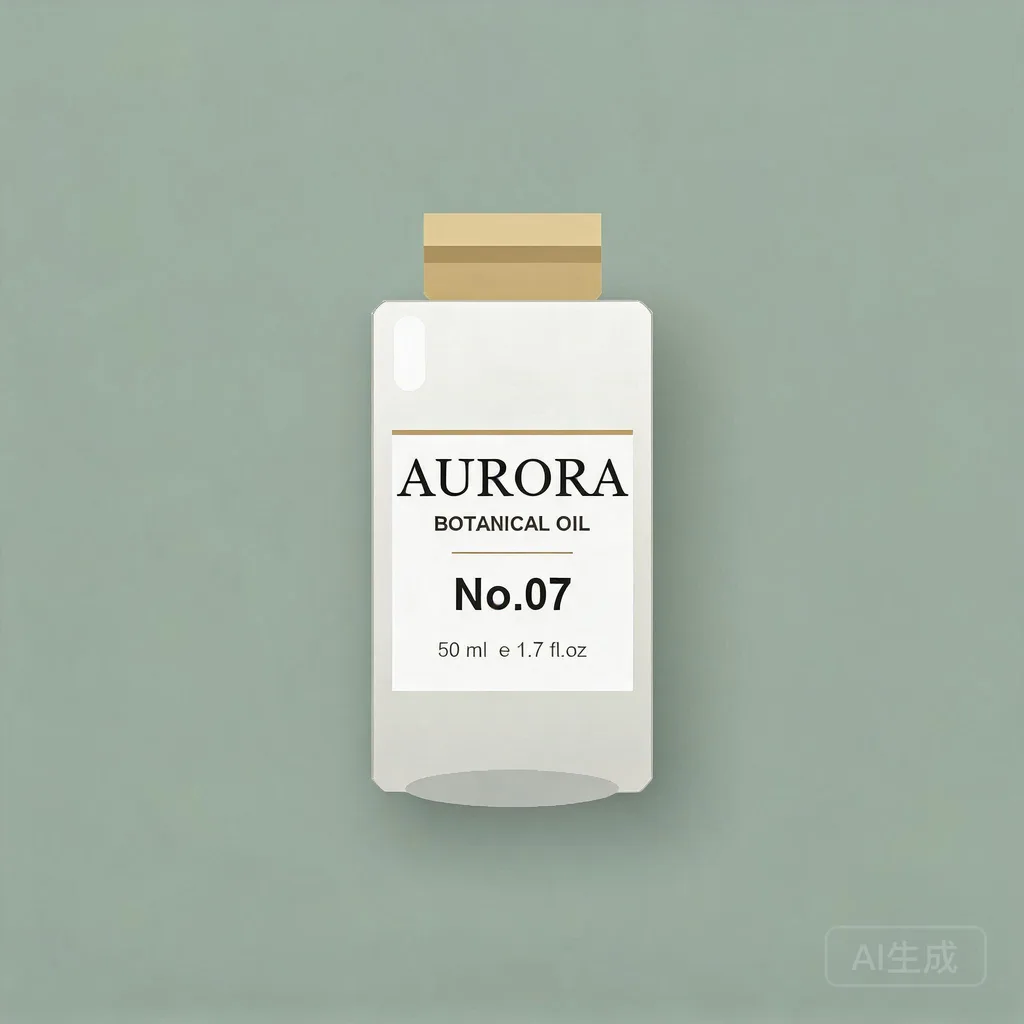 제품 사진 배경만 교체
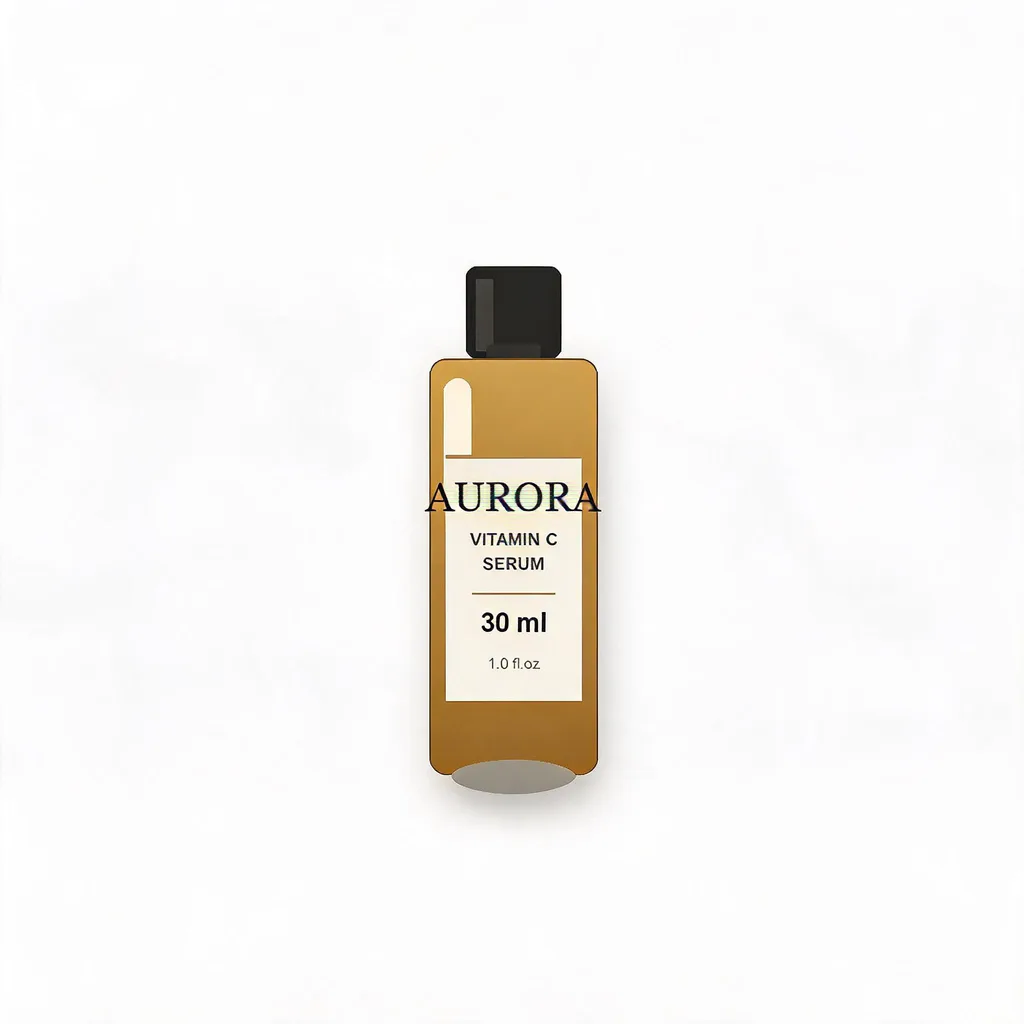 제품 사진을 순백 배경으로
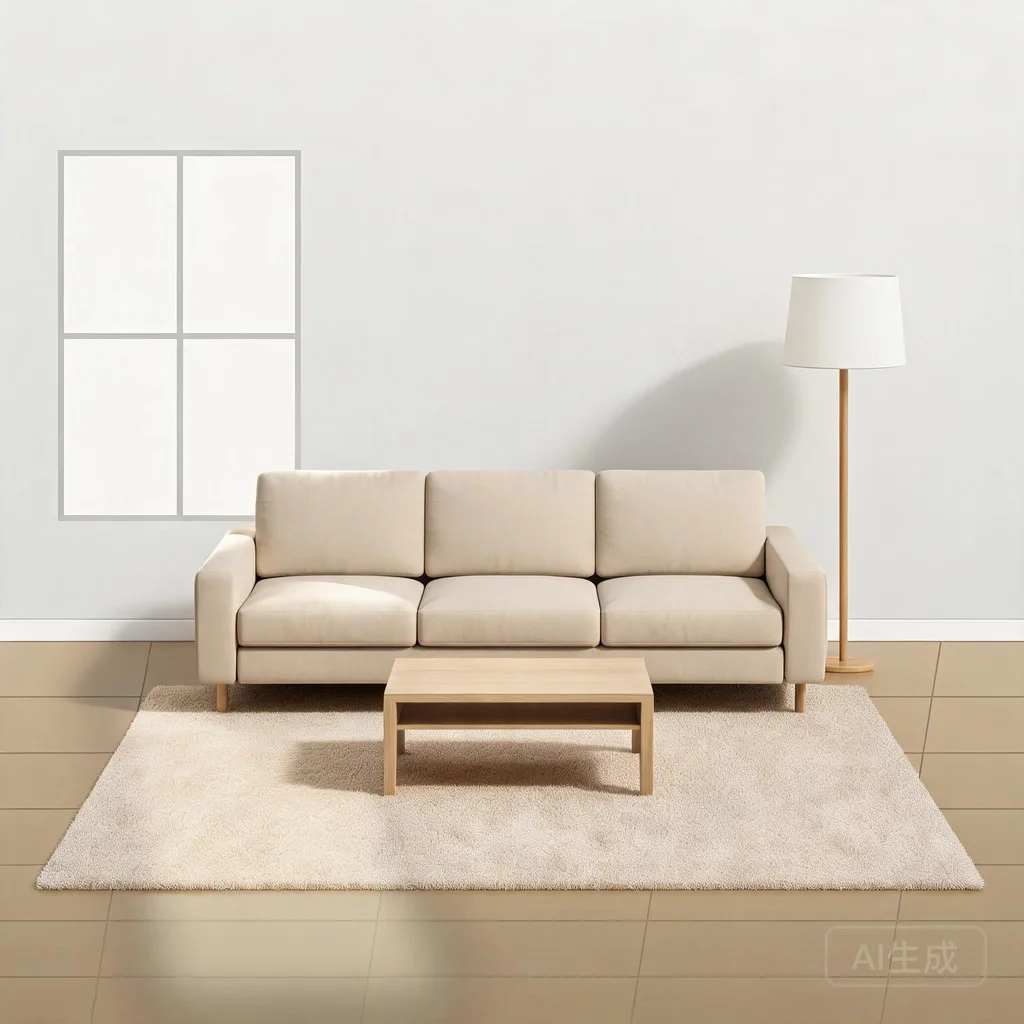 빈 방 버추얼 스테이징