Störendes aus Produktfotos entfernen
Ein Objekt pro Lauf, die Fläche dahinter wird neu aufgebaut.
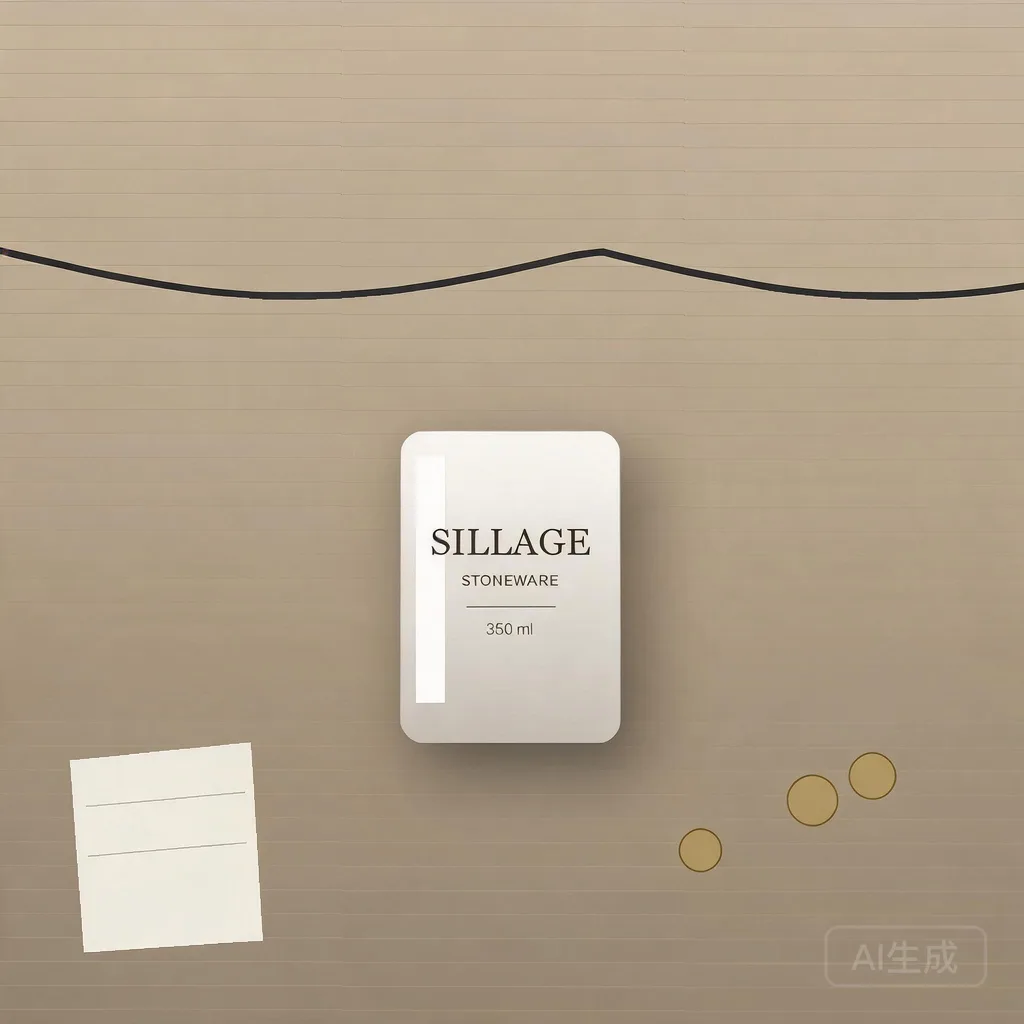
Diesen Prompt verwendenLade ein Foto hoch und benenne genau eine Sache, die weg soll — die Tasse links, das Kabel, das Preisschild. Für jedes weitere Objekt erneut starten; mehrere auf einmal hinterlassen weiche Schlieren.
- Modell
- Seedream 5.0
- Anwendungsfall
- Ein Foto bearbeiten
- Geeignet für
- Etsy · Shopify · Amazon
- Saison
- Ganzjährig
- Seitenverhältnis
- —
- Dauer
- —
- Bilder
- 1
- Eingabe
- Eigenes Foto
- Credits
- 30 Guthaben
Prompt
Der Prompt ist auf Englisch verfasst – Modelle folgen dem Originalwortlaut genauer. Bitte unverändert kopieren und generieren, nicht vorher übersetzen.
Remove {clutter} from the photo completely, as if it had never been there, and rebuild what was behind it — same surface, same texture grain, same lighting falloff — so that no seam, repeated pattern or leftover edge remains. Keep {product} exactly as photographed: same shape, proportions, colour, material and label text. Do not redraw, smooth or outline the product, and do not reposition it in the frame. Remove only this one thing in this pass; if more clutter is left, run the preset again separately for each item. Leave the crop, the perspective and the overall colour temperature unchanged.
Ersetzen
Sobald Sie etwas eintragen, erscheint der Prompt oben auf Englisch.
Platzhalter richtig füllen
| Platzhalter | Bedeutung | Beispiele | Häufiger Fehler |
|---|---|---|---|
| {clutter} | BedeutungOne extra detail: pick a single concrete one | Beispiele
| Häufiger FehlerPacking five details into one slot — the model half-does all of them |
| {product} | BedeutungThe item you are selling, described concretely | Beispiele
| Häufiger FehlerWriting "a nice product" — the model invents an object instead of keeping yours |
Bearbeitet dein eigenes Foto. Geeignet für die eigene Website und Amazon-Sekundärbilder – nicht für das Amazon-Hauptbild.
Achte auf wiederholte Muster bei Holzmaserung, Fliesen oder Stofffalten — dort fällt der Neuaufbau auf. Prüfe auch den Schatten des entfernten Objekts: der bleibt oft stehen.
Offenlegung
Dieses Objekt wurde mit KI entfernt. Sonst wurde nichts verändert.
 Produktfarbe ändern
 Hintergrund tauschen für Produktfotos
 Reinweißer Hintergrund für Produktfotos