商品图去杂物
一次只去一样,身后的台面会被补回来。
用这个提示词生成上传一张照片,并写清要去掉的那一样东西,越具体越好——左边那只杯子、那根线、那个价签。每多一样就再跑一次;一次去好几样,接缝一定糊。
- 模型
- Seedream 5.0
- 用途
- 修一张照片
- 适用平台
- Etsy · Shopify · Amazon
- 季节
- 全年通用
- 画幅
- —
- 时长
- —
- 张数
- 1
- 输入
- 需你的照片
- 积分
- 30 积分
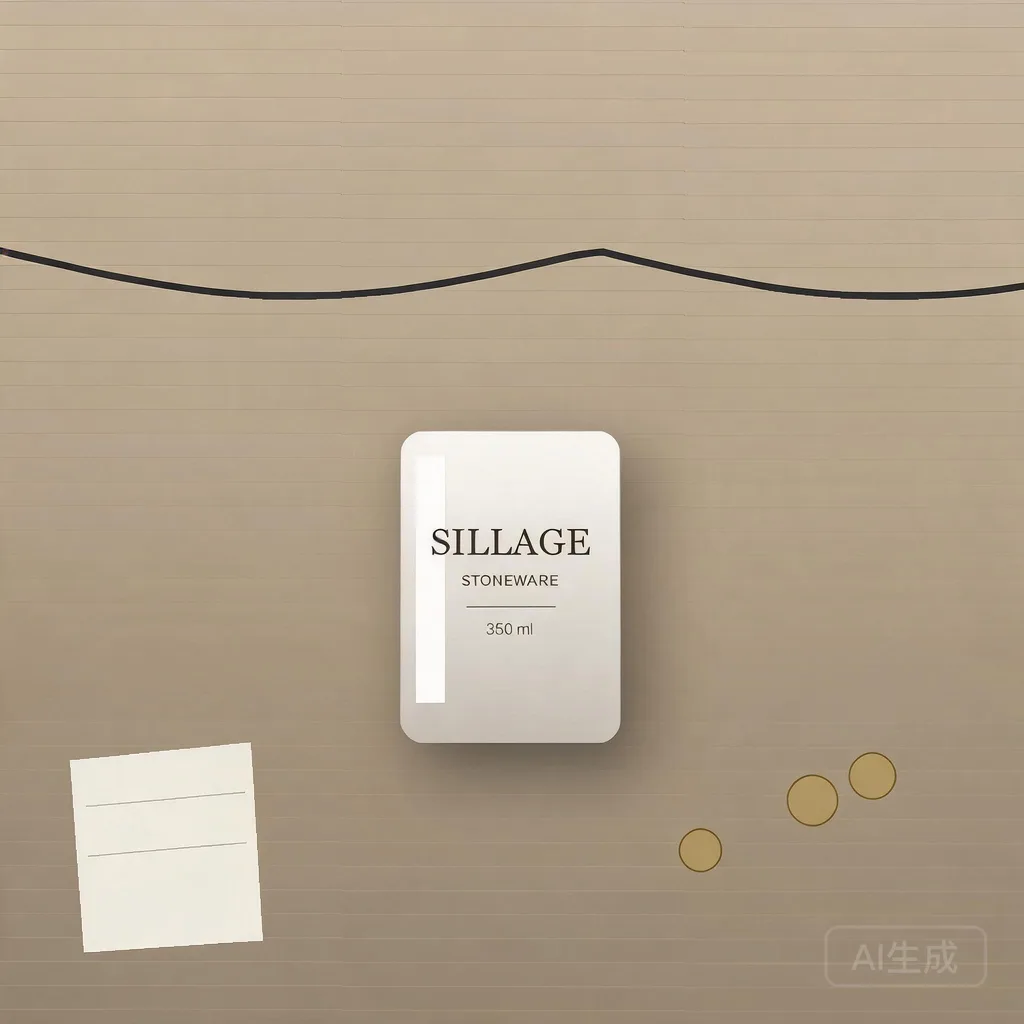
提示词
提示词原文是英文——模型按原文执行更准。直接复制或生成即可,不用自己先翻一遍。
Remove {clutter} from the photo completely, as if it had never been there, and rebuild what was behind it — same surface, same texture grain, same lighting falloff — so that no seam, repeated pattern or leftover edge remains. Keep {product} exactly as photographed: same shape, proportions, colour, material and label text. Do not redraw, smooth or outline the product, and do not reposition it in the frame. Remove only this one thing in this pass; if more clutter is left, run the preset again separately for each item. Leave the crop, the perspective and the overall colour temperature unchanged.
替换词
填好后,上面的提示词会自动换成英文。
替换词怎么填
| 占位符 | 含义 | 示例 | 常见错误 |
|---|---|---|---|
| {clutter} | 含义补充细节:只写一个具体的点,别堆一串 | 示例
| 常见错误一条里塞五六个细节——模型顾不过来,最后每个都做了一半 |
| {product} | 含义你要卖的那件东西本身 | 示例
| 常见错误写「一个漂亮的商品」——模型不知道是什么,会自己编一个瓶子出来 |
改的是你自己的照片。可用于独立站与 Amazon 副图,不可作 Amazon 主图。
重点看木纹、瓷砖、布料褶皱这类有纹理的地方有没有重复的一块,那是补图的破绽。另外留意被删物体的影子,模型经常忘了删。
披露提示
图中该物品由 AI 去除,其余部分未作改动。
 商品图换一色
 商品图换背景
 商品图纯白去背