尺寸對比圖
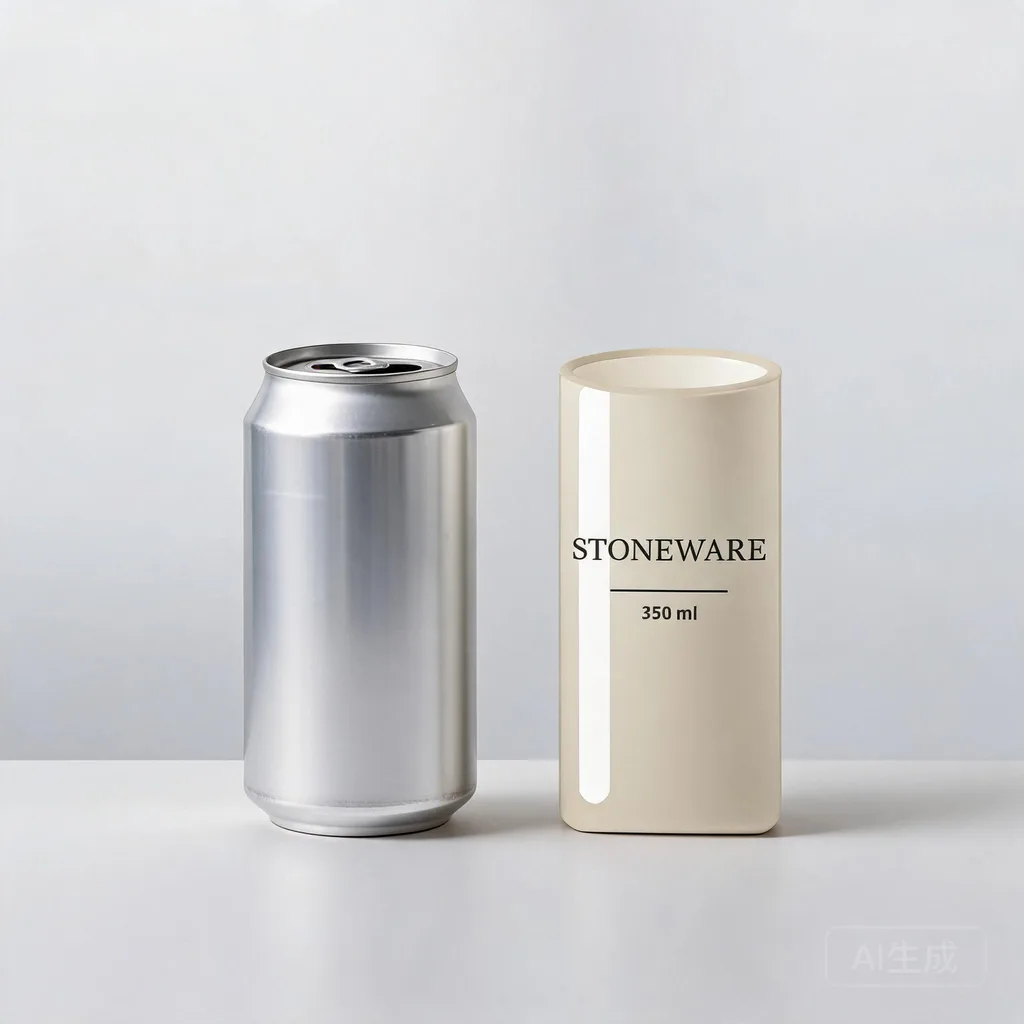
商品旁邊放個人人都知道多大的參照物,買家不用再猜。
用這個提示詞生成上傳一張商品照片,並填寫參照物——一聽 330 毫升易開罐、一張信用卡、一隻手,都是人人有概念的尺寸。
- 模型
- Seedream 5.0
- 用途
- 賣商品
- 適用平台
- Amazon · Etsy · Shopify
- 季節
- 全年通用
- 畫幅
- 1:1
- 時長
- —
- 張數
- 1
- 輸入
- 需你的照片
- 點數
- 30 積分
提示詞
提示詞原文是英文——模型照原文執行更準。直接複製或生成即可,不用自己先翻一遍。
Keep {product} exactly as photographed — same shape, proportions, colour, material, surface finish and every label character; do not redraw, smooth or outline it. Place {product} and {reference} side by side on a plain light-grey surface, both standing on the same plane at the same distance from the camera, lit by one soft even light so neither object shadows the other. Shoot from a 45-degree angle at eye level on a 50mm lens, both objects in focus, verticals straight. Render the true relative scale exactly as stated: {reference} is an object of known size, so the product must not be enlarged, shrunk or floated to look bigger. Leave generous empty space above and below for a measurement caption. Photorealistic, colour-accurate, no text, no hands, no extra props.
替換詞
填好後,上面的提示詞會自動換成英文。
替換詞怎麼填
| 佔位符 | 含義 | 範例 | 常見錯誤 |
|---|---|---|---|
| {product} | 含義你要卖的那件东西本身 | 範例
| 常見錯誤写「一个漂亮的商品」——模型不知道是什么,会自己编一个瓶子出来 |
| {reference} | 含義画面主体:谁或什么东西在画面中央 | 範例
| 常見錯誤主体写两个——模型会做出一个两者都像、又都不像的怪东西 |
改的是你自己的照片。可用於獨立站與 Amazon 副圖,不可作 Amazon 主圖。
實測三次,罐子和杯子幾乎一樣高,而真實應該差三分之一——模型是按容量擺的,不是按尺寸。這張圖只能當視覺提示:發布時必須在商品描述裡寫清長寬高,不能讓它成為唯一的尺寸依據。
揭露提示
場景與參照物由 AI 生成,用於示意尺寸;商品實際尺寸以商品描述為準。
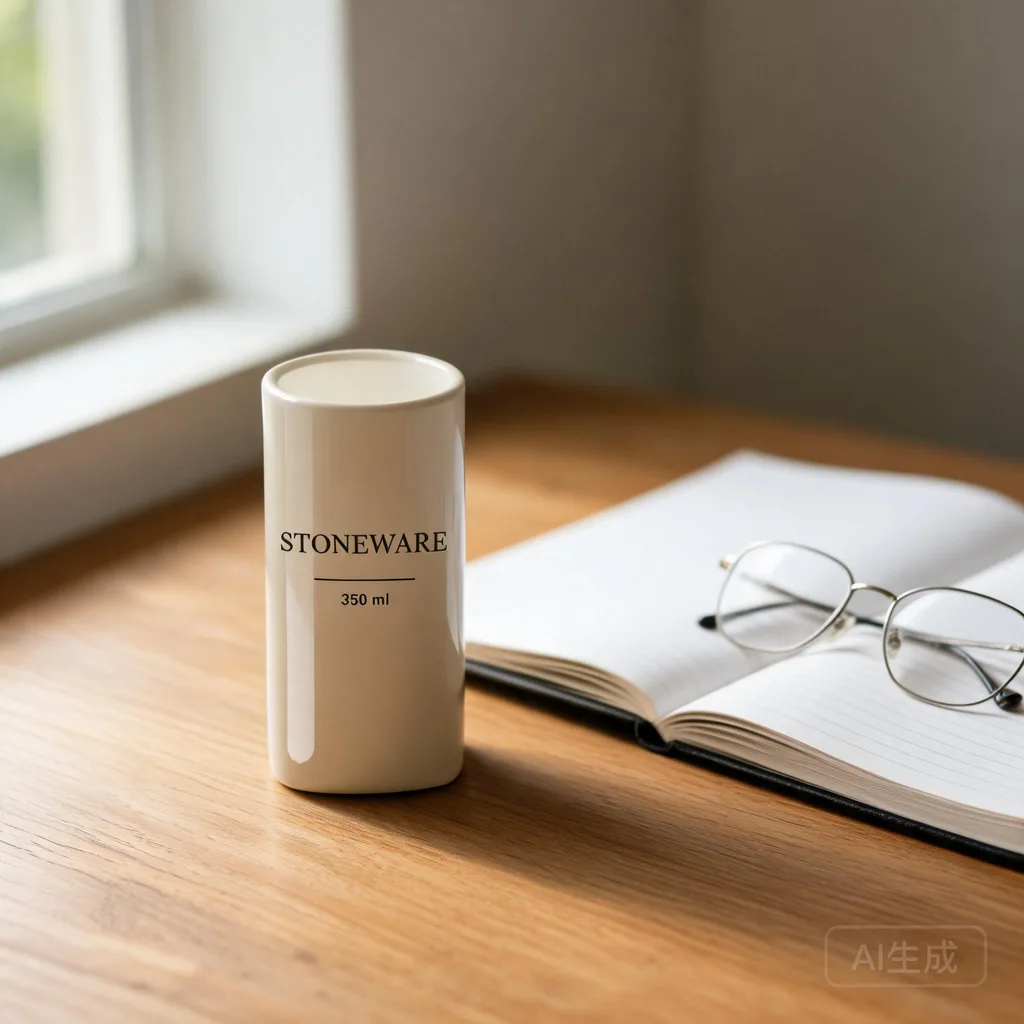 商品放進真實場景
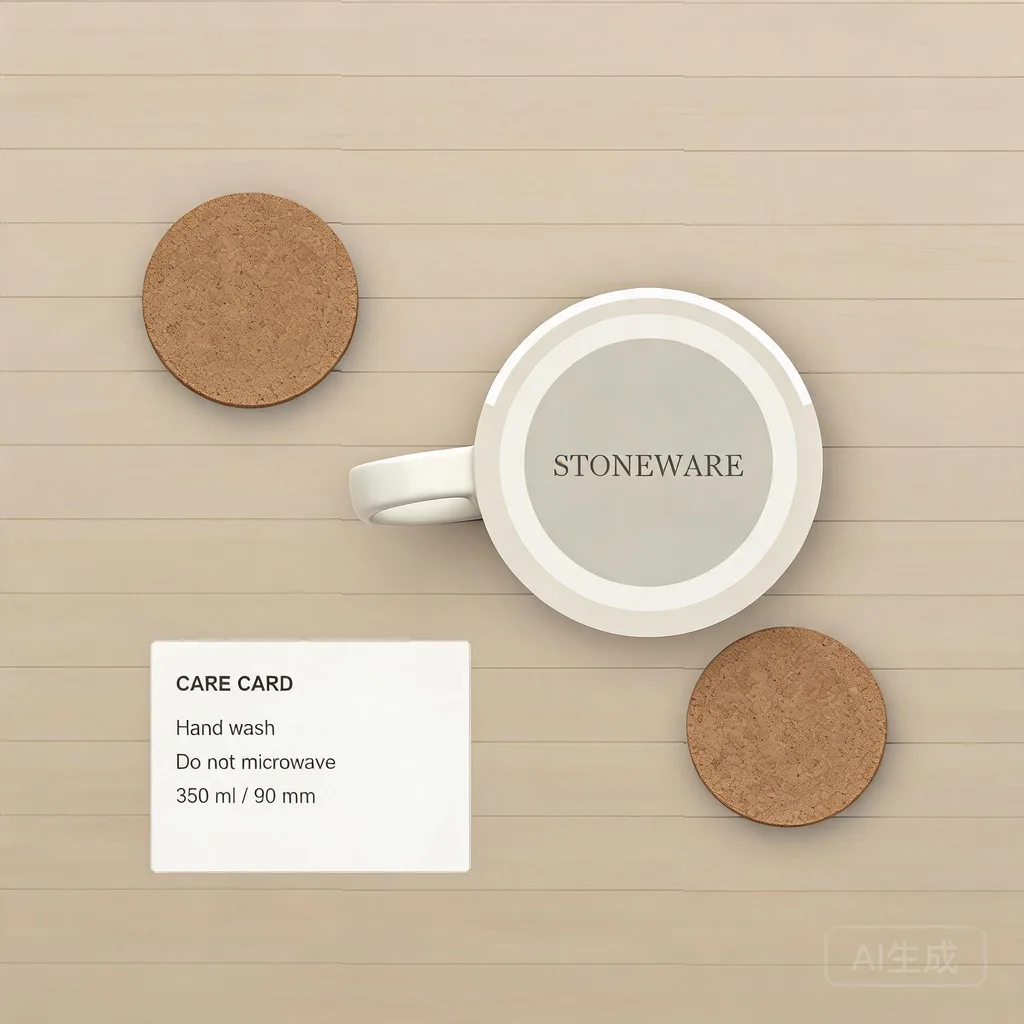 開箱平鋪圖
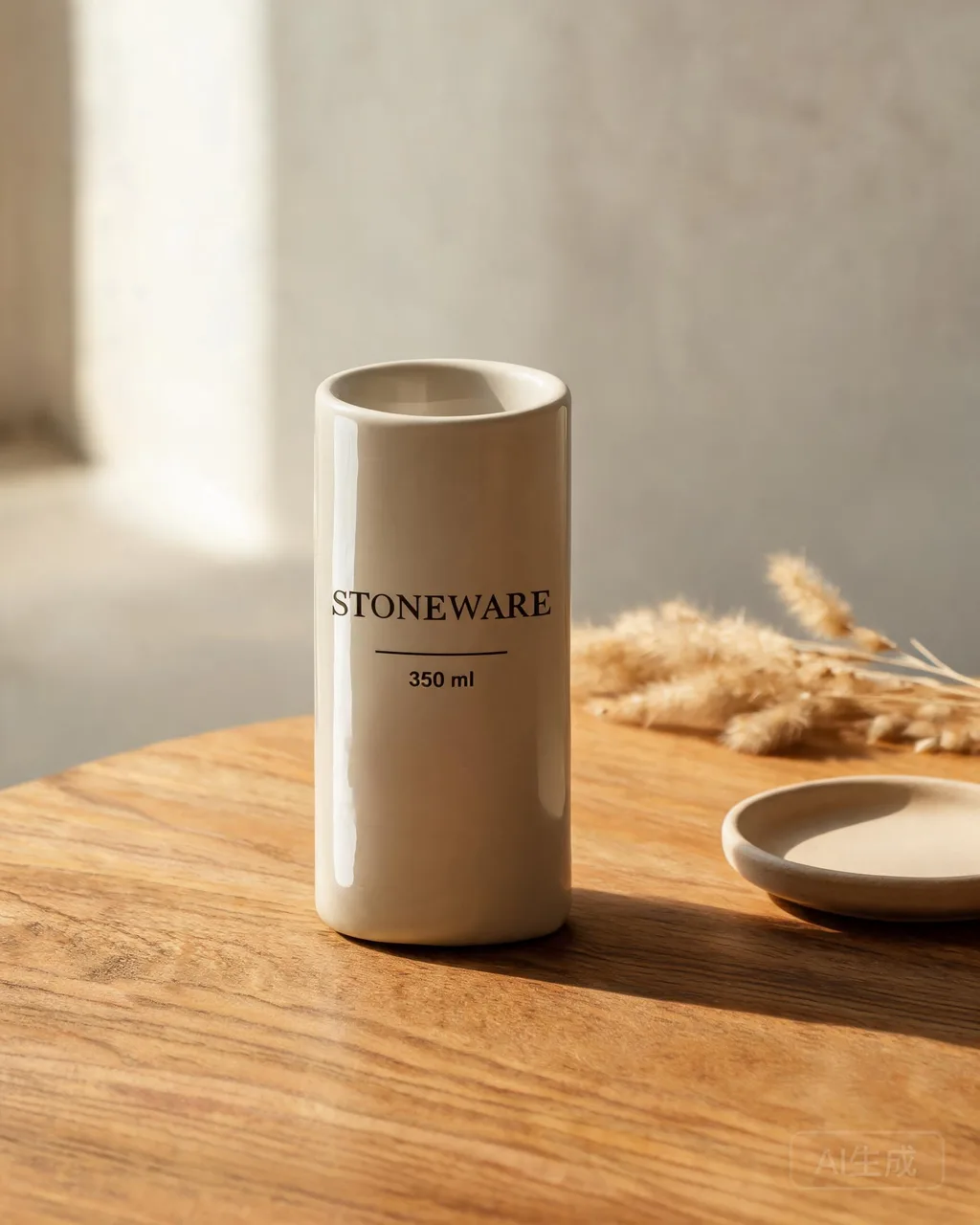 Instagram 4:5 直式貼文