Rimuovere oggetti di disturbo da una foto prodotto
Un oggetto per volta, con la superficie dietro ricostruita.
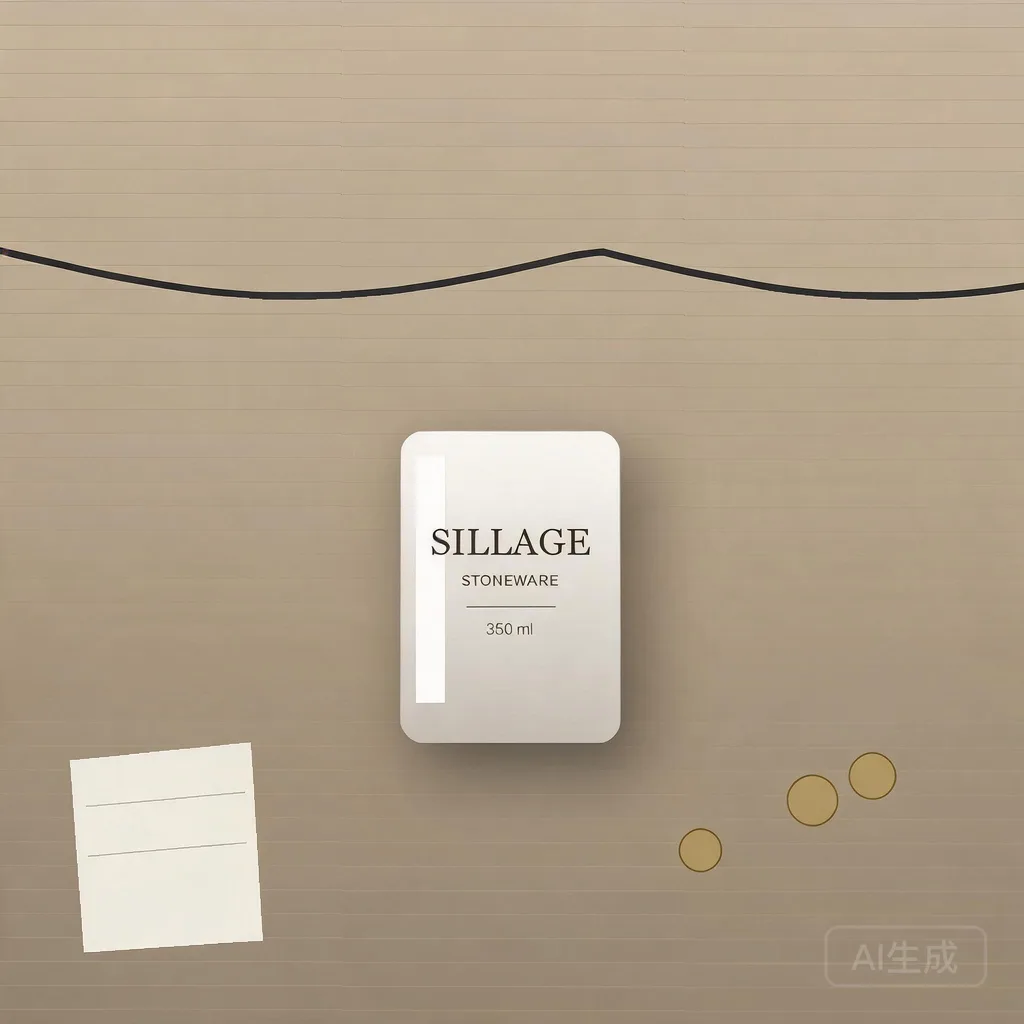
Usa questo promptCarica una foto e indica una sola cosa da togliere, con precisione: la tazza a sinistra, il cavo, il cartellino. Rilancia per ogni oggetto; diversi insieme lasciano sbavature.
- Modello
- Seedream 5.0
- Utilizzo
- Modificare una foto
- Compatibile con
- Etsy · Shopify · Amazon
- Stagione
- Tutto l'anno
- Proporzioni
- —
- Durata
- —
- Immagini
- 1
- Input
- La tua foto
- Crediti
- 30 credito
Prompt
Il prompt è in inglese: i modelli seguono più fedelmente il testo originale. Copialo e genera così com'è, senza tradurlo.
Remove {clutter} from the photo completely, as if it had never been there, and rebuild what was behind it — same surface, same texture grain, same lighting falloff — so that no seam, repeated pattern or leftover edge remains. Keep {product} exactly as photographed: same shape, proportions, colour, material and label text. Do not redraw, smooth or outline the product, and do not reposition it in the frame. Remove only this one thing in this pass; if more clutter is left, run the preset again separately for each item. Leave the crop, the perspective and the overall colour temperature unchanged.
Sostituisci
Compila il campo e il prompt qui sopra passa all'inglese.
Come compilare i segnaposto
| Segnaposto | Significato | Esempi | Errore comune |
|---|---|---|---|
| {clutter} | SignificatoOne extra detail: pick a single concrete one | Esempi
| Errore comunePacking five details into one slot — the model half-does all of them |
| {product} | SignificatoThe item you are selling, described concretely | Esempi
| Errore comuneWriting "a nice product" — the model invents an object instead of keeping yours |
Modifica la tua foto. Va bene per il tuo sito e le immagini secondarie Amazon — non per l'immagine principale Amazon.
Cerca una zona ripetuta sulle superfici texturizzate — venature del legno, piastrelle, pieghe del tessuto: è lì che si vede la ricostruzione. Controlla anche l'ombra dell'oggetto rimosso, spesso resta.
Avvertenza
Questo elemento è stato rimosso con IA. Il resto della foto è invariato.
 Cambiare il colore di un prodotto
 Cambia lo sfondo delle foto prodotto
 Sfondo bianco puro per foto prodotto