إزالة الفوضى من صورة المنتج
عنصر واحد في كل مرة، مع إعادة بناء السطح خلفه.
استخدم هذا الأمرارفع صورة وسمِّ عنصرًا واحدًا فقط تريد إزالته، بأكبر دقة ممكنة: الكوب على اليسار، السلك، بطاقة السعر. أعد التشغيل لكل عنصر إضافي؛ إزالة عدة عناصر دفعة واحدة تترك أثرًا ضبابيًا.
- النموذج
- Seedream 5.0
- الاستخدام
- تحرير صورة
- مناسب لـ
- Etsy · Shopify · Amazon
- الموسم
- على مدار العام
- نسبة الأبعاد
- —
- المدة
- —
- الصور
- 1
- المدخلات
- صورتك
- الأرصدة
- 30 رصيد
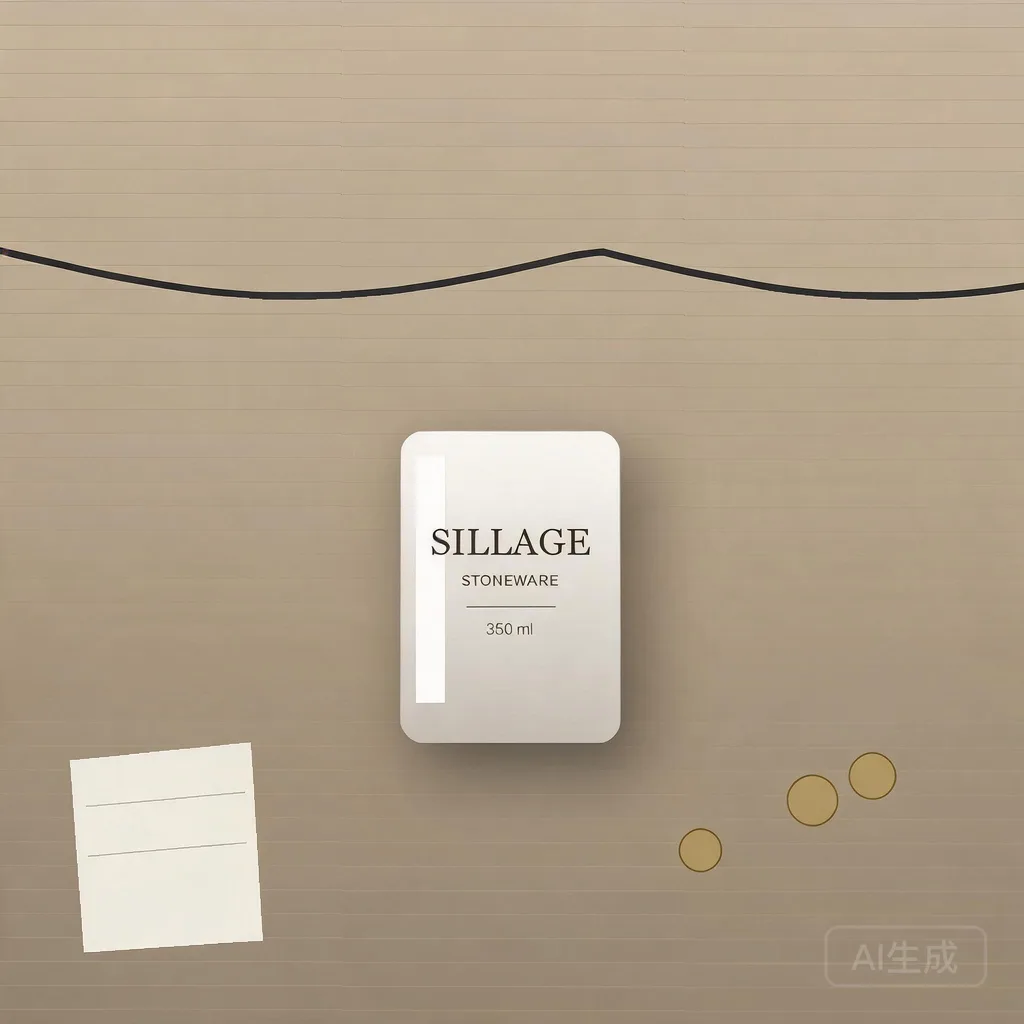
الأمر
الوصف مكتوب بالإنجليزية: النماذج تتبع النص الأصلي بدقة أكبر. انسخه وولّد به كما هو دون ترجمة.
Remove {clutter} from the photo completely, as if it had never been there, and rebuild what was behind it — same surface, same texture grain, same lighting falloff — so that no seam, repeated pattern or leftover edge remains. Keep {product} exactly as photographed: same shape, proportions, colour, material and label text. Do not redraw, smooth or outline the product, and do not reposition it in the frame. Remove only this one thing in this pass; if more clutter is left, run the preset again separately for each item. Leave the crop, the perspective and the overall colour temperature unchanged.
استبدل
عند الكتابة هنا يتحول النص أعلاه إلى الإنجليزية.
كيف تملأ العناصر البديلة
| عنصر بديل | المعنى | أمثلة | خطأ شائع |
|---|---|---|---|
| {clutter} | المعنىOne extra detail: pick a single concrete one | أمثلة
| خطأ شائعPacking five details into one slot — the model half-does all of them |
| {product} | المعنىThe item you are selling, described concretely | أمثلة
| خطأ شائعWriting "a nice product" — the model invents an object instead of keeping yours |
يعدّل صورتك الخاصة. يصلح لموقعك وللصور الثانوية في Amazon، ولا يصلح للصورة الرئيسية في Amazon.
ابحث عن منطقة مكررة في الأسطح ذات الملمس — عروق الخشب أو البلاط أو ثنيات القماش: هناك يظهر أثر إعادة البناء. وراقب أيضًا ظل العنصر المحذوف، فكثيرًا ما يبقى.
إفصاح
أُزيل هذا العنصر بالذكاء الاصطناعي، ولم يتغير باقي الصورة.
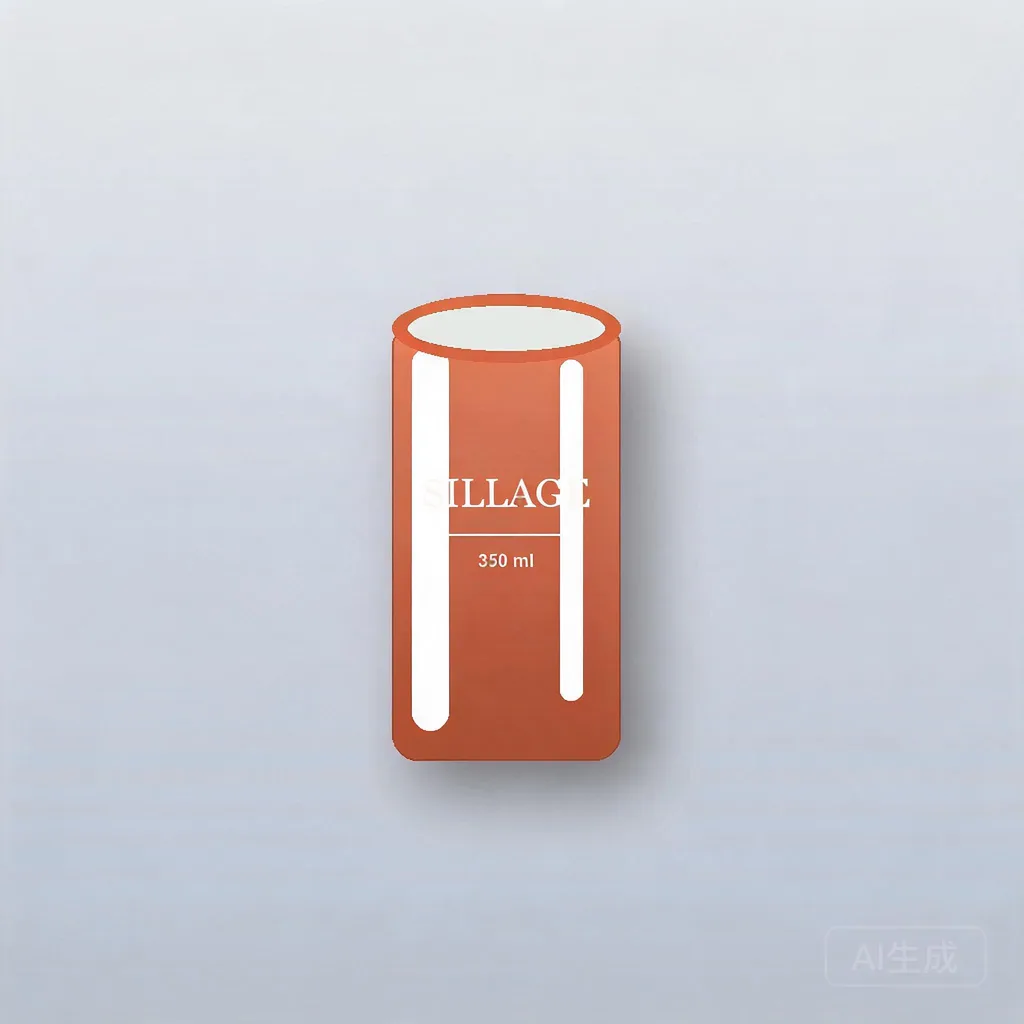 تغيير لون المنتج
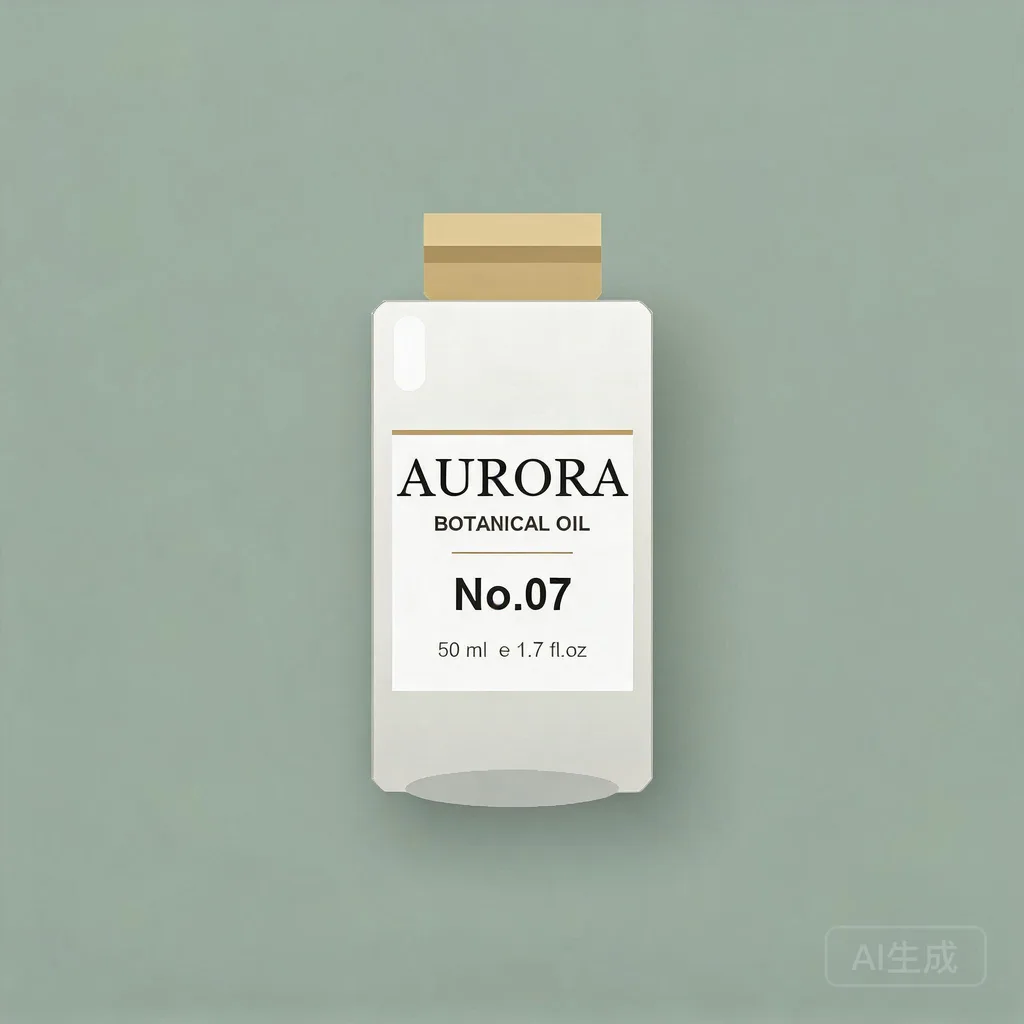 تغيير خلفية صور المنتج
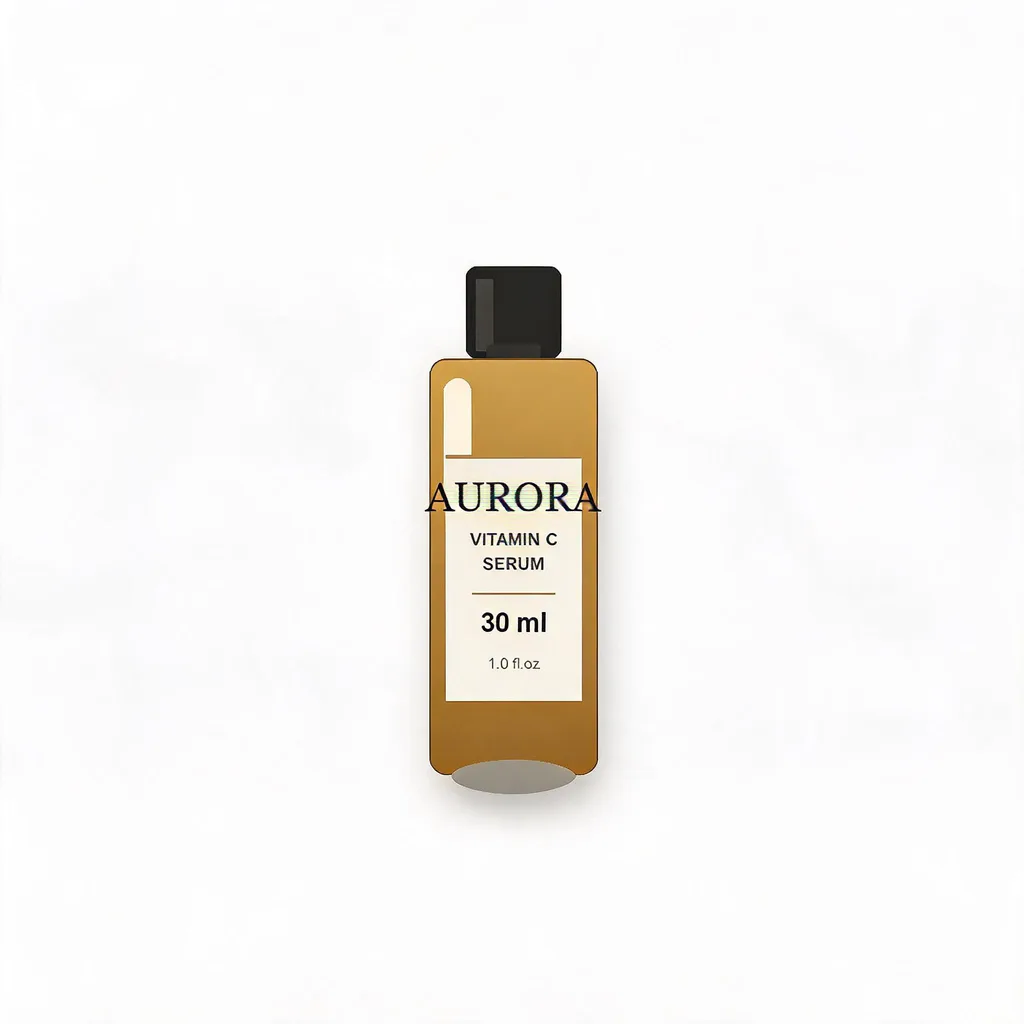 خلفية بيضاء نقية لصور المنتج